

Folge
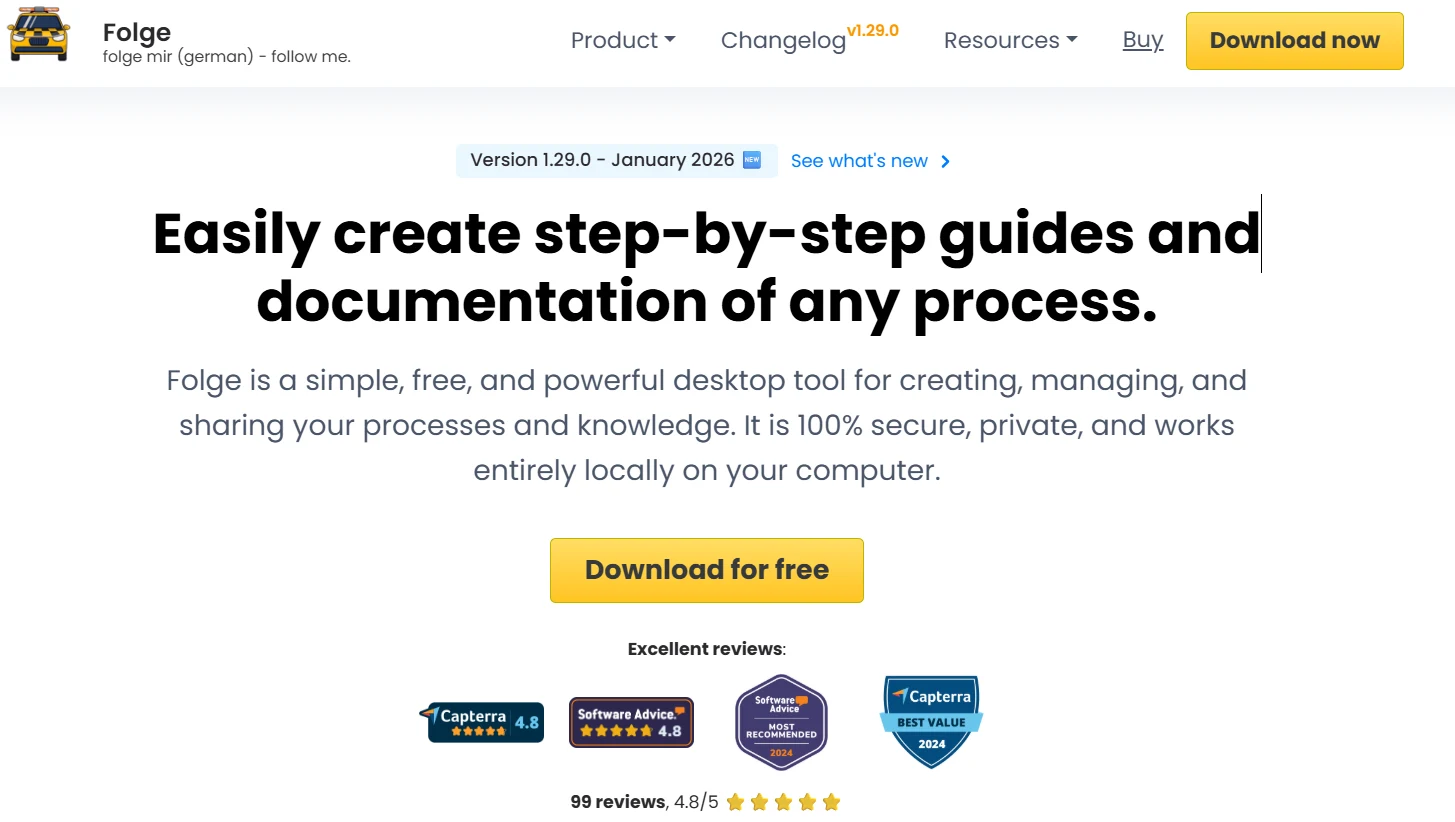
A professional desktop application for creating step-by-step guides with a focus on privacy and a lifetime license model.
Founded: 2020
Company: Folge.me
Platform: Windows & Mac (Desktop)
Website: https://folge.me/
AI Output Example
“Folge captured every mouse click on my internal Windows ERP software, generated 25 high-res screenshots, and allowed me to export a 15-page branded PDF manual—all while keeping the sensitive company data 100% offline.”
Screenshot Preview
Related Tools

Scribe AI
The cloud-based leader for rapid web-process capture and documentation.
The cloud-based leader for rapid web-process capture and documentation.

Tango
An interactive SOP tool featuring ‘Guide Me’ live on-screen walkthroughs.
An interactive SOP tool featuring ‘Guide Me’ live on-screen walkthroughs.

Guidde
AI video-based documentation platform for internal training and SOPs.
AI video-based documentation platform for internal training and SOPs.
Key Features
- Offline Functionality: All captures and data stay on your machine—ideal for high-security environments.
- Lifetime License: Pay once, own forever. Say goodbye to recurring monthly subscriptions.
- Multi-Format Export: Export to 7+ formats including PDF, Word, PowerPoint, HTML, Markdown, and JSON.
- Rich Annotations: Advanced blurring, arrows, text boxes, and step icons for professional-looking guides.
- Desktop Native: Seamlessly captures native Windows and Mac applications where browser extensions fail.
Pricing (2026 Official)
*Folge offers a one-time payment model with no recurring subscription fees.
Free
$0
- Unlimited steps per guide
- Up to 3 total guides
- PDF Export only
Personal License
$89
(One-time payment)
- Unlimited Guides
- Lifetime Updates
- No Watermarks
- Export to 7+ formats
Business License
$130/seat
(One-time payment)
- Commercial use license
- User management
- Native Confluence Export
- Priority Support
Milestones & Recognition
- The highest-rated “Privacy-First” documentation tool by IT security professionals.
- Recognized as the closest modern alternative to the deprecated Microsoft Steps Recorder.
- Maintained a 4.9/5 user rating on G2 for three consecutive years.