

10+ Best Free AI Coding Tools in 2026 (Ranked & Reviewed)
Welcome to 2026, where the era of “simple autocomplete” is over. Today, developers aren’t just looking for tools that finish their sentences—they are looking for AI Agents that can refactor entire files, fix bugs in the terminal, and understand complex repository logic.
But there is a problem: The best AI tools are getting expensive. GitHub Copilot is a paid subscription. Premium LLMs like GPT-4o burn through credits fast.
So, can you still code for free? Yes. We tested over 30 tools to find the survivors. We looked for tools that offer genuine free tiers—not just 7-day trials. Whether you are a student, a bootcamper, or a pro developer saving cash, here is your definitive toolkit for 2026.
🏆 How We Ranked These Tools (2026 Criteria)
The market has shifted. In 2024, we cared about “latency”. In 2026, we prioritize:
- ✅ True Unlimited Autocomplete: Does the free plan limit how many lines of code I can generate? (Windsurf is a winner here).
- ✅ Agentic Capabilities: Can the tool run terminal commands or edit multiple files?
- ✅ Model Quality: Does it use outdated models (GPT-3) or modern reasoning engines (Claude 3.5, Cortex)?
- ✅ Context Awareness: Can it “see” my whole project, or just the open file?
Windsurf (formerly Codeium)
⚠️ Rebrand Alert: In 2026, Codeium has unified its editor under the name Windsurf. If you are looking for “Codeium”, this is it. It’s the same company, just a more powerful agentic IDE.
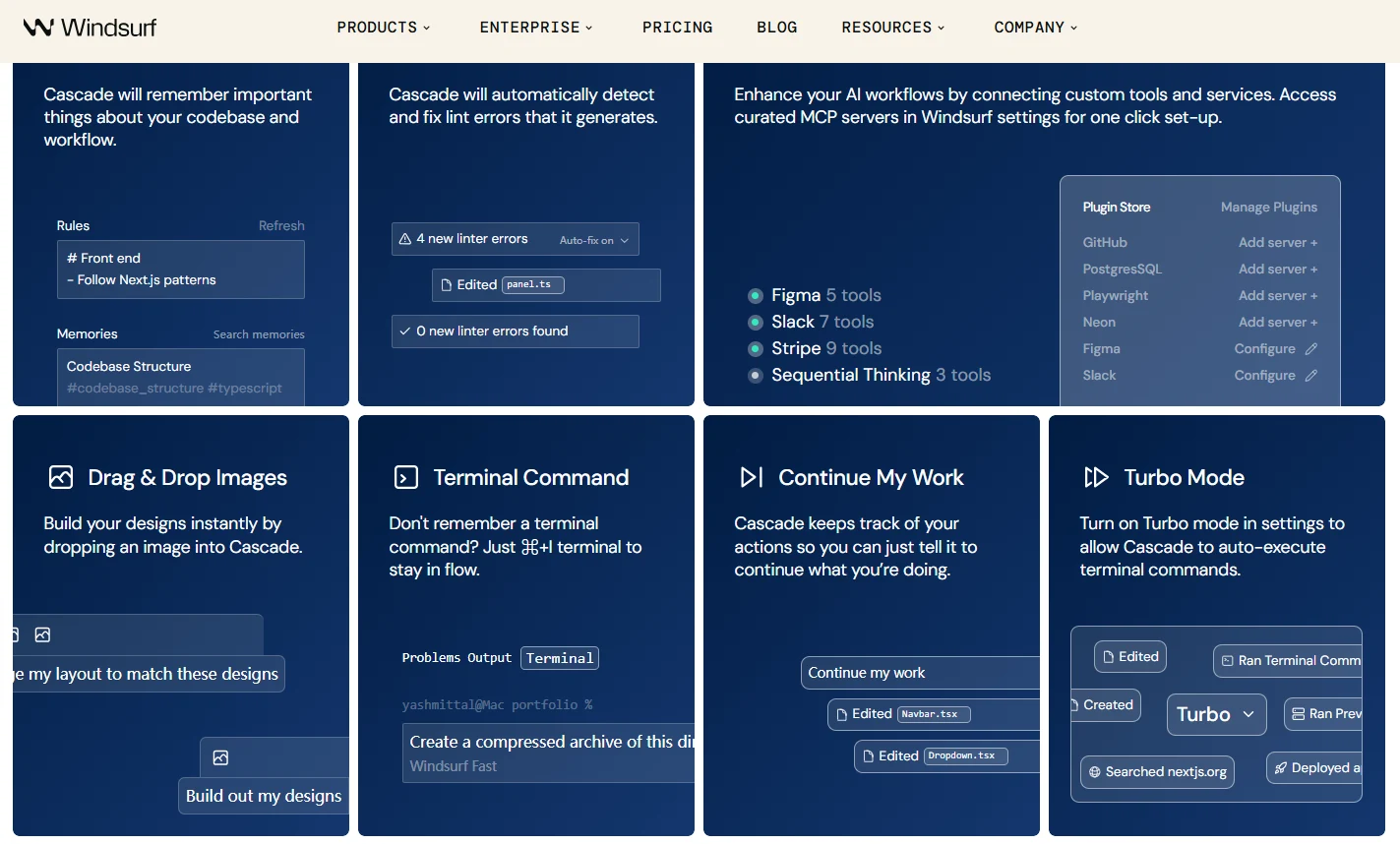
The Verdict: If you want the closest thing to a “Free GitHub Copilot” without strict usage limits, Windsurf is the #1 choice in 2026.
While competitors are tightening their belts, Windsurf continues to offer unlimited tab-autocomplete for free individual users. But the real star is the new Windsurf Editor (a VS Code fork), which features “Cascade”—an AI agent that can actively debug your terminal, read your entire repository, and fix errors automatically.
- 🔥 Best Feature: The “Cascade” flow. It feels like pair-programming with a human who can type and run commands.
- 💰 Free Tier Limits: Unlimited standard autocomplete. Agentic chat (Cascade) is limited to 25 credits/month on the free plan, but basic completion never stops working.
- IDE Support: VS Code, JetBrains, Visual Studio, and the standalone Windsurf Editor.
Cursor
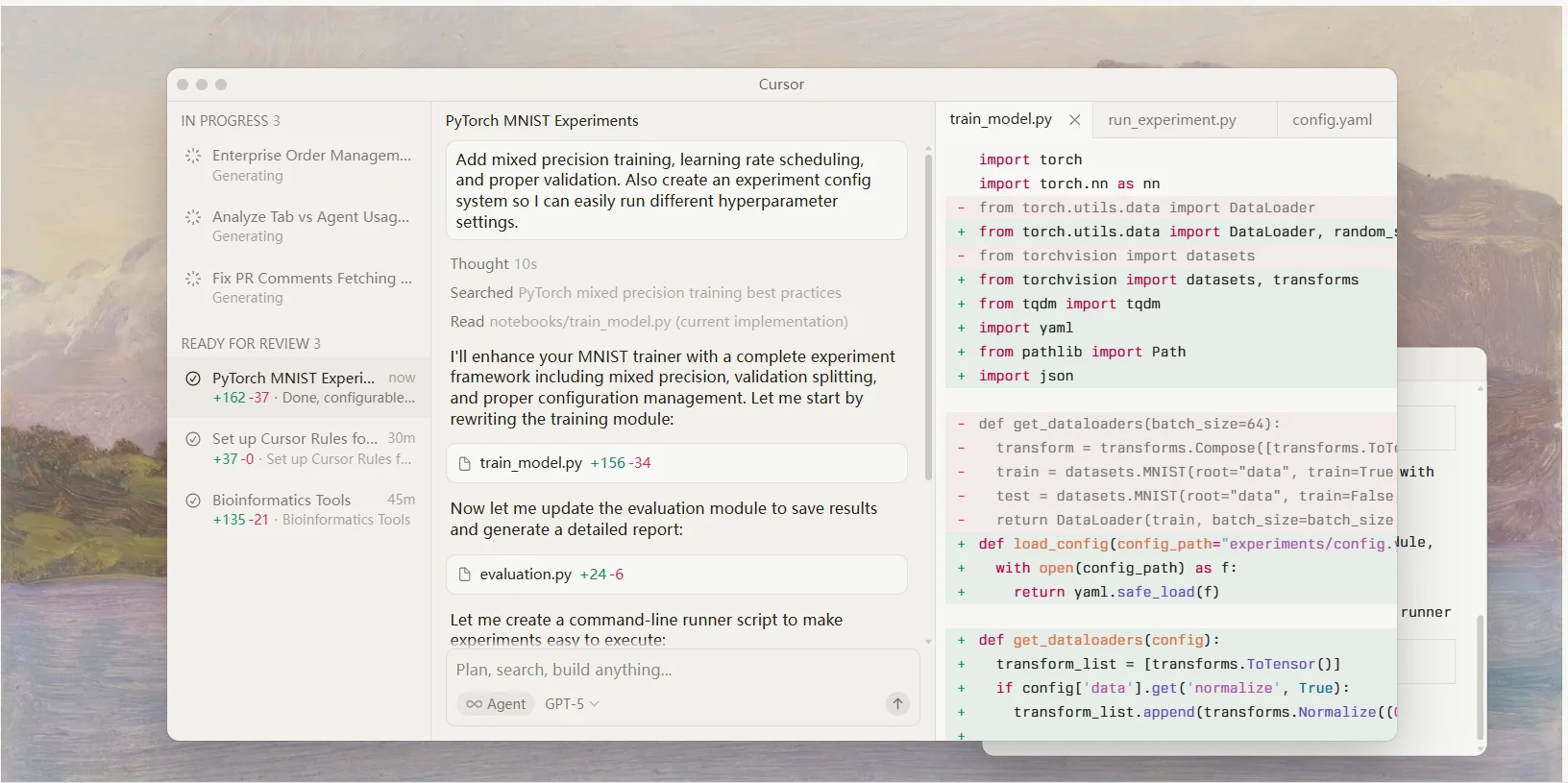
The Verdict: The best User Experience (UX) available, if you can live with the limits.
Cursor completely changed the game by introducing “Tab-to-edit” (Copilot++). It predicts your next edit so accurately it feels psychic. Unlike a plugin, Cursor is a full IDE (forked from VS Code), allowing the AI to see your entire codebase instantly.
However, why is it #2? The limits. Cursor’s free plan is fantastic but restrictive. You get a limited number of “premium” model requests (Claude 3.5 Sonnet / GPT-4o) per month. Once you hit the cap, you are downgraded to slower models or have to wait.
- 🔥 Best Feature: “Shadow Workspace” (beta) – it runs your code in the background to catch bugs before you even run them.
- 💰 Free Tier Limits: 2000 “completions” per month, and limited premium model requests. Great for hobbyists, tight for full-time devs.
🔍 Deep Dive Analysis
Is Cursor’s “Tab” feature really worth the hype in 2026? We tested its agentic capabilities, privacy features, and compared it directly against GitHub Copilot.
Read Full Cursor Review →Amazon Q Developer
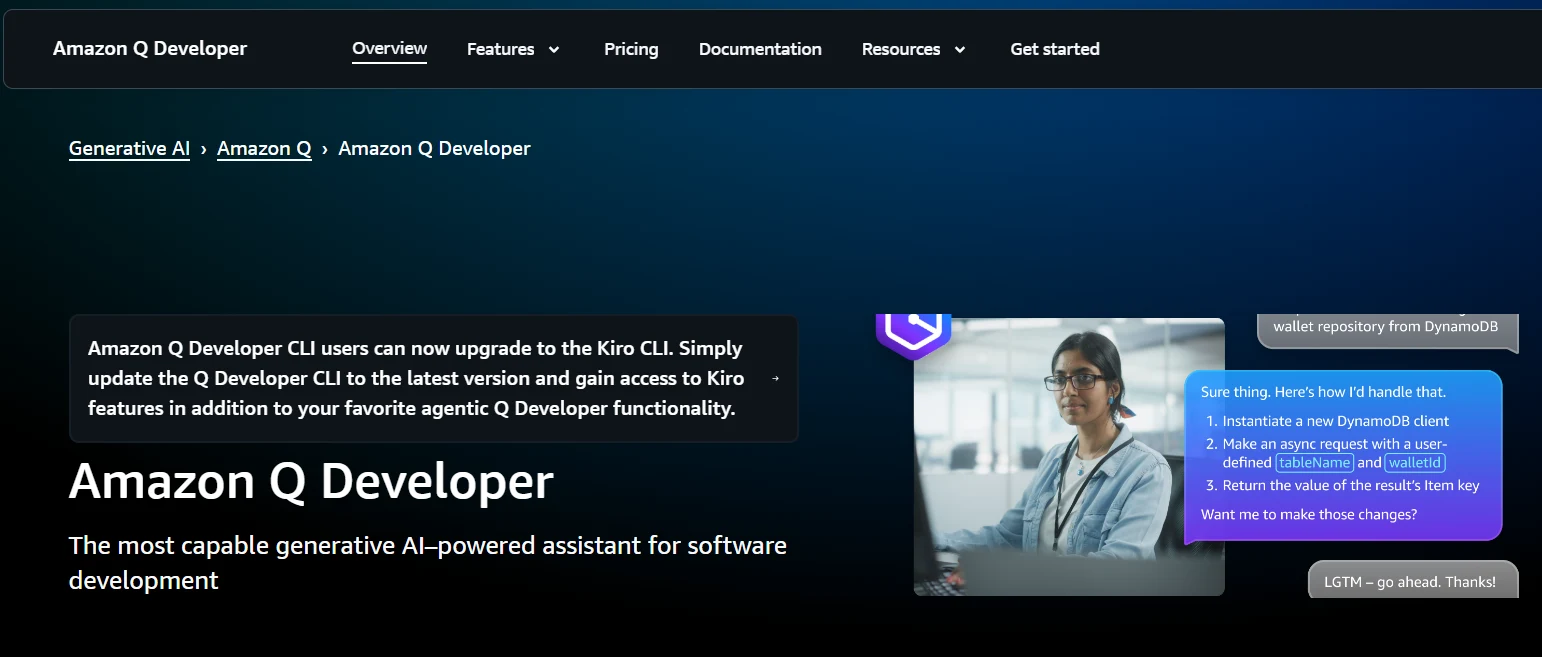
The Verdict: The corporate powerhouse (formerly CodeWhisperer) that is surprisingly generous to individuals.
Amazon rebranded CodeWhisperer to Amazon Q Developer, and they are aggressive about market share. To compete with GitHub, Amazon made the Individual Tier completely free.
It is not just for AWS. Amazon Q excels at standard Python, Java, and JS coding. It also has a unique “CLI” integration—it can autocomplete your terminal commands (e.g., git commands, docker build), which few other tools do well for free.
- 🔥 Best Feature: Command Line (CLI) autocompletion & Security Scans. It scans your code for vulnerabilities for free.
- 💰 Free Tier Limits: Very generous. Free for individuals with an AWS Builder ID (no credit card required).
🔒 Security & Upgrade Analysis
Amazon Q claims to be the most secure free coding tool on the market. We tested its vulnerability scanner and the powerful Java upgrade agent to see if it really beats Copilot for enterprise use.
Read Full Amazon Q Review →GitHub Copilot (Student & OSS)
The Verdict: Still the industry standard, but only “free” if you have an .edu email.
We moved GitHub Copilot down to #4 not because it’s bad (it’s excellent), but because for most professionals, it is a paid product ($10/mo). However, if you are a verified student or maintain a popular open-source project, you get the full Enterprise-grade experience for $0.
- 🔥 Best Feature: Deep integration with GitHub. It knows your issues, PRs, and organization context better than anyone.
- 💰 Free Tier Limits: Free for students (GitHub Education) and OSS maintainers. Everyone else pays.
🏆 The Benchmark: Is Paid Better?
Most free tools on this list try to replicate GitHub Copilot. But is the original $10/month industry standard still superior in 2026? We tested its new “Workspace” agent against these free alternatives.
Read GitHub Copilot Review (2026) →Supermaven
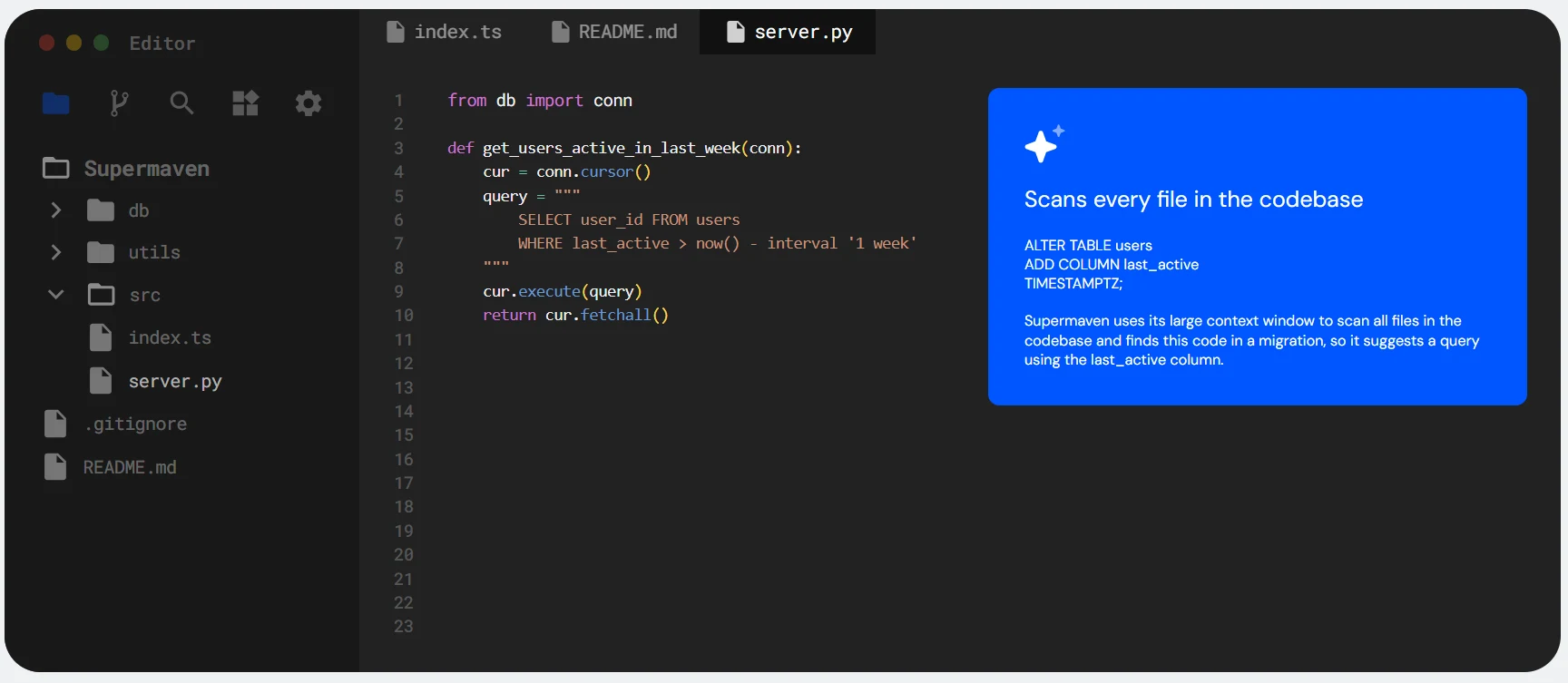
The Verdict: The speed demon with a 1-million token context window.
New for 2026, Supermaven has taken the developer world by storm. Its claim to fame is speed and context. It introduces a massive 1,000,000 token context window even on the free tier, allowing it to “remember” code you wrote 50 files ago instantly. It creates a “flow state” that feels faster than Windsurf or Copilot.
- 🔥 Best Feature: 1M Token Context Window. It virtually never “forgets” your code definitions.
- 💰 Free Tier Limits: Generous free tier, but no advanced “Agent” chat in the free version (autocomplete focused).
⚡ Need for Speed?
Supermaven claims to be the fastest AI coding assistant on the planet, with a massive 1-million token context window even on the free tier. But does it actually understand your code better than Copilot?
Read Supermaven Review & Speed Test →6. Sourcegraph Cody
Best For: Navigating massive enterprise codebases.
If your project is huge (think gigabytes of code), Cody is your best friend. Built by Sourcegraph (the code search company), Cody is the best at finding “where is this variable defined?” across thousands of files. The free tier allows you to connect to local repos and get highly accurate explanations.
7. Tabnine (Local Mode)
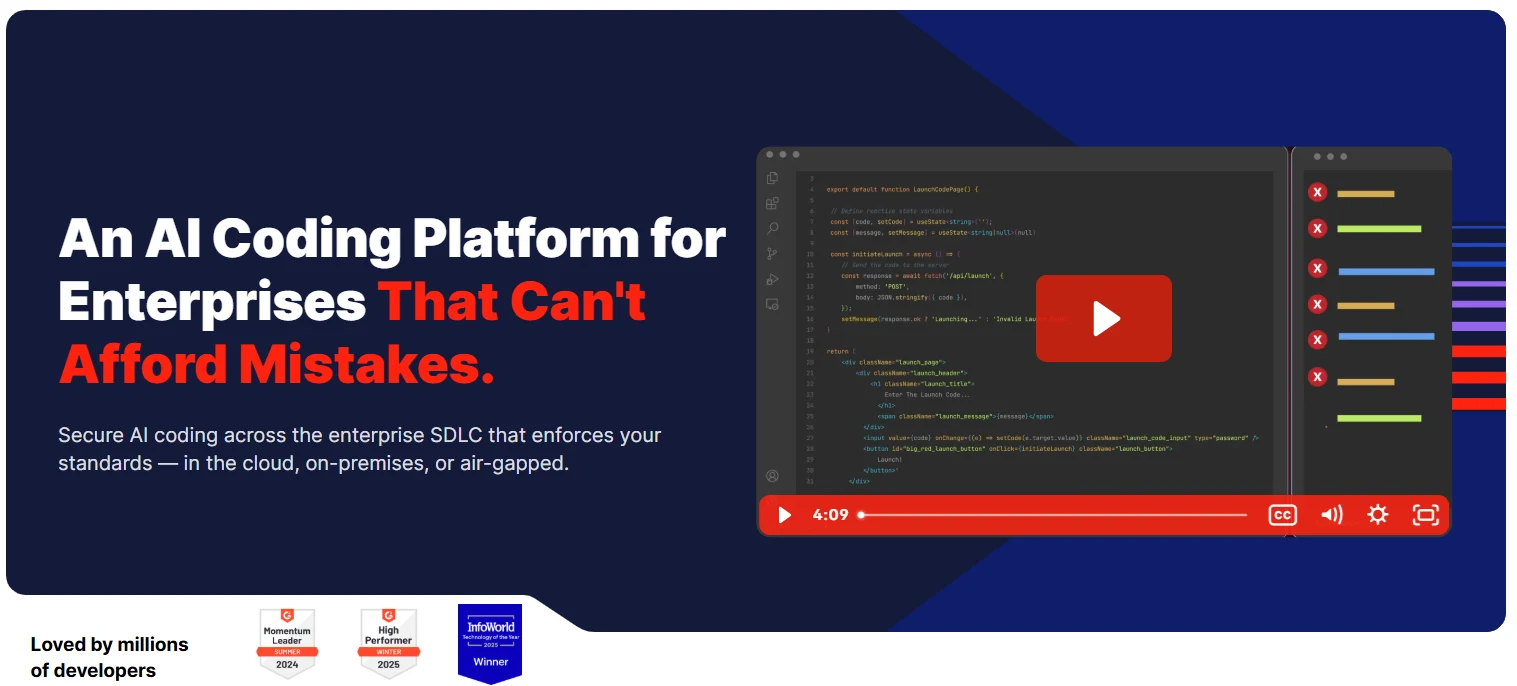
Best For: Privacy fanatics, offline coding (airplanes), and low-latency autocomplete.
While competitors like Cursor and Copilot race to build the smartest “Cloud Agent,” Tabnine doubles down on being the fastest and most private local assistant. It is one of the few AI tools that can run entirely on your laptop’s CPU/GPU without sending a single byte of code to the internet.
The “Starter” (Free) plan is basic but effective. It doesn’t offer a chat interface or full-function generation, but it provides lightning-fast, short code completions based on your local context. If you code in secure environments or on flights with spotty Wi-Fi, Tabnine is essential.
- ⚡ Model: Tabnine Local (Small & Fast)
- 📶 Offline: Yes (100% Functional)
- 🆓 Free Limit: Basic Completion Only (No Chat)
🔒 Worried About Data Privacy?
Tabnine is unique because it offers an Air-gapped / Local Mode even for some free users, ensuring your code never leaves your machine. But is the “Starter” plan enough?
Read Tabnine Review & Privacy Analysis →8. Blackbox AI
Best For: Accessing cutting-edge models (Text, Image, Video) in one dashboard.
Blackbox AI has evolved into a massive “Model Hub.” As shown in the video, it gives you direct access to a diverse range of specialized models. You aren’t limited to just one provider; you can code with GPT-5.2, generate assets with Nano Banana, or create demo videos using Veo 3—all without leaving the chat interface.
This makes it the ultimate tool for “Full Stack” creators who need more than just code. Whether you need to visualize a UI component or debug a complex algorithm with the smartest logic model available, Blackbox lets you toggle between them instantly.
- 🤖 Multi-Model Support: GPT-5.2, Nano Banana, Veo 3, and more.
- 🎨 Multimodal: Generate Code, Images, and Videos in one thread.
- 🌐 Real-Time Web: Still includes its signature live search capability.
🚀 Want to Test GPT-5.2?
Blackbox AI is often the fastest way to access new model releases like GPT-5.2 and Veo 3 for free or at a low cost. See how it performs in our full review.
Read Blackbox AI Review & Model Test →9. Gemini Code Assist
Best For: Android devs, Data Scientists (Colab), and getting a 1-Million Token Context for free.
If you live in the Google ecosystem (Android Studio, Firebase, or Google Colab), Gemini Code Assist is a no-brainer because it is built-in. But in 2026, its real killer feature is the 1-Million Token Context Window available even on the free tier.
While Copilot and Cursor charge for long-context models, Google gives individual developers a massive context window for free. This means you can paste entire documentation libraries or 50+ files into the chat, and Gemini will understand the full scope—perfect for debugging complex “Spaghetti Code.”
- 🧠 1M Token Context: The largest context of any free tool.
- 📱 Android Native: The only AI that truly understands Kotlin/Jetpack Compose deep context.
- ☁️ Cloud Integrated: One-click deploy to Firebase or Google Cloud Run.
🆚 Gemini vs. Copilot: Which is Smarter?
Google’s Gemini 2.0 model claims to beat GPT-4o in reasoning benchmarks. We tested them head-to-head in Android Studio and VS Code.
Read Gemini vs Copilot Review →10. Replit (Cloud IDE)
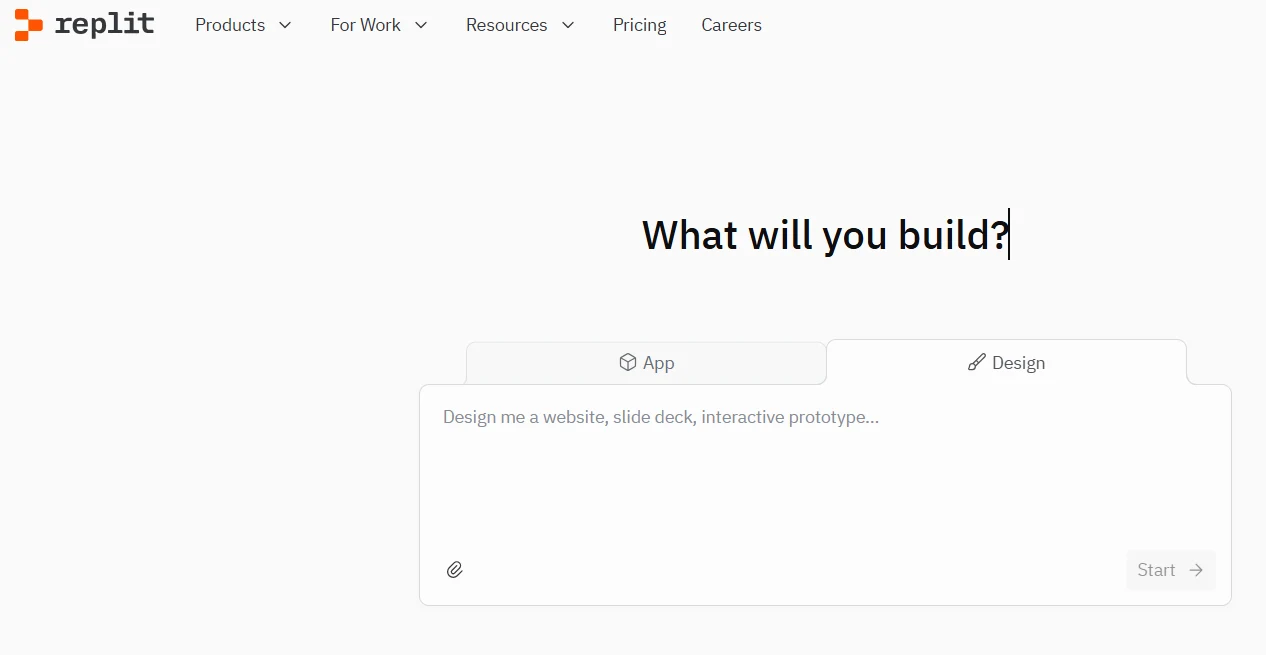
Best For: Zero-setup coding, Chromebook/iPad users, and rapid prototyping.
No laptop? No problem. Replit puts a powerful AI-powered IDE directly in your browser. Unlike Cursor or VS Code which require local installation, Replit lives in the cloud. This makes it the ultimate tool for coding on an iPad, a school Chromebook, or even your phone.
Its built-in AI (Ghostwriter) helps you debug, explain, and write code instantly. But the real magic is the “Idea to Deployed App” workflow. You can write code and click “Run” to host it instantly—no server configuration required.
- ☁️ Zero Setup: Start coding in 2 seconds. No “npm install” hell.
- 👥 Multiplayer: Real-time collaboration (like Google Docs for code).
- 🚀 Instant Hosting: Deploy your web app with one click.
🤖 Have you seen “Replit Agent”?
Replit recently launched an autonomous AI Agent that can build entire full-stack apps from a single prompt. Is it worth the “Core” subscription?
Read Replit Review & Agent Test →📊 2026 Comparison: Top Free AI Tools
We tested 20+ tools. Here is how the top contenders stack up.
| Tool | Free Autocomplete? | Killer Feature | Best For… |
|---|---|---|---|
| 1 Windsurf | ✅ Unlimited | 🌊 Cascade Flow (Context-aware) | Overall Winner (Agent + IDE) |
| 2 Cursor | ⚠️ 2,000 / month | ⌨️ Tab-to-Edit (Best UX) | Power Users & UX Lovers |
| 3 Amazon Q | ✅ Unlimited | 🛡️ Security Scans & Upgrades | Enterprise & AWS Users |
| 4. Supermaven | ✅ Unlimited | ⚡ 1M Context (Fastest) | Speed Demons |
| 5. Blackbox AI | ✅ Unlimited | 🎥 Code-from-Video (Vision) | Students & Visual Learners |
| 6. Gemini Code | ✅ Unlimited* | 🧠 Massive Context (Cloud) | Android Devs & Data Science |
| 7. Tabnine | ⚠️ Basic Only | 🔒 Local Mode (Privacy) | Privacy Focused / Offline |
| 8. Copilot | ❌ Students Only | 🌍 Ecosystem (Works Everywhere) | Students & Open Source |
❓ 2026 FAQ: Common Questions
Why can’t I find “Codeium” anymore?
Is Cursor actually free?
Which tool is safest for work (Privacy)?
🛠️ Honorable Mentions: The Specialized Toolkit
The top 10 cover general coding, but smart developers in 2026 use a “stack” of AI tools. Here are 6 specialized tools you should bookmark.
11. ChatGPT (Free)
🤖Best for: Logic, Debugging & Concepts.
While not an IDE plugin, it’s still the best “Rubber Duck”. Paste your error logs here first. The free tier now includes GPT-4o access (limited).
12. DeepSeek Coder
🐳Best for: Cheap/Free API & Local Models.
The open-source champion of 2026. Its V3 model rivals GPT-4 but is 10x cheaper (or free locally). Perfect for developers building their own tools.
13. v0 by Vercel
🎨Best for: React/Tailwind UI Generation.
Don’t code UI by hand. Describe a “Dashboard with dark mode” to v0, and it generates production-ready React/Tailwind code instantly.
14. Aider
⌨️Best for: Terminal Power Users (Vim/Emacs).
A CLI tool that pairs AI with your git repo. It edits multiple files and auto-commits changes. A cult favorite among senior engineers.
15. Google Colab
📊Best for: Data Science & Python.
Still the king of free Jupyter Notebooks. Now features integrated Gemini assistance for plotting graphs and debugging Python scripts.
16. Hugging Face
🤗Best for: Hosting Custom Models.
Home to StarCoder2 and CodeLlama. If you want to build your own private coding assistant, this is your library.
🎯 Which Free Tool is For You?
Don’t overthink it. Choose based on your primary role.
🎓 For Students
Winner: Windsurf or Copilot.
If you have a .edu email, get GitHub Copilot for free. If not, Windsurf’s “Cascade” agent is the best free teacher you can get.
💼 For Pros
Winner: Cursor.
The “Tab-to-edit” workflow is addictive. Once you use it, you can’t go back. It’s worth dealing with the limited free quota.
🔒 For Privacy
Winner: Tabnine.
Working on NDA projects? Tabnine’s Local Mode ensures your code never leaves your laptop. Zero data retention.
⚡ For Speed
Winner: Supermaven.
Hate waiting for AI to “think”? Supermaven’s 1-million token context loads instantly. It feels like magic on older laptops.
📺 Visual Learners
Winner: Blackbox AI.
Learning from YouTube? Use Blackbox to extract code directly from videos. It saves hours of typing time.
☁️ Cloud / Mobile
Winner: Replit.
Coding on a Chromebook or iPad? Replit gives you a full environment in the browser with zero setup.
🚀 Final Verdict: The 2026 Landscape
The days of paying $10/month just for basic autocomplete are over. In 2026, the market has split into powerful free agents like Windsurf and specialized tools like Blackbox (Vision) and Tabnine (Privacy).
🎯 Our Official Recommendation:
Start with Windsurf. It combines the best “Agentic” workflow with a generous free tier. If you need specialized features (like offline mode or video extraction), pick the specific tool from our guide above.
“AI isn’t replacing developers, but developers who use AI are replacing those who don’t.”
📖 Deep Dive Reviews:
📚 Read Next: Deep Dives
Windsurf (Codeium) Review 2026
Why did we rank it #1 over Cursor? A full breakdown of the “Cascade” flow and its free tier.
GitHub Copilot vs. The World
Is the $10/mo subscription still worth it in 2026? We tested it against free tools like Blackbox.
Cursor AI Review (2026)
Is the “Tab-to-Edit” feature worth $20? See why professionals are switching from VS Code.