
Windsurf (Codeium) Review 2026: Is It Still the Best Free AI Coding Assistant?
⚠️ Where did Codeium go?
If you visited codeium.com and were redirected to windsurf.com, don’t worry. In 2026, Codeium (the company) has unified its flagship products under the name Windsurf. Whether you are using the plugin or the standalone IDE, you are getting the same powerful Cortex engine—just with a new, agentic-focused identity.
As we move deeper into 2026, the landscape for AI developer tools has shifted from simple autocomplete to complex system-wide reasoning. Windsurf (powered by Codeium) has emerged as the frontrunner, transitioning from a “free alternative” to a performance-driven powerhouse.
While tools like GitHub Copilot rely on massive cloud datasets, Windsurf’s strategy focuses on the proprietary Cortex Reasoning Engine—a system designed to understand your specific repository’s logic with surgical precision.
What’s New in 2026?
- The “Cascade” Flow: An agentic workflow that lets Windsurf act as a senior developer, not just a typer.
- Cortex Engine: 40x faster reasoning compared to traditional RAG-based competitors.
- Zero-Data Sovereignty: Enhanced on-premise options ensuring your code never leaves your local network.
Core Features: Why Codeium is 40x Faster in 2026
In 2026, the standard for AI coding has shifted from “predicting the next word” to “reasoning through the entire system.” Codeium’s dominance is built on its proprietary infrastructure, allowing it to bypass the latency and cost bottlenecks of third-party APIs like GPT-4 or Claude.
1. The Cortex Reasoning Engine
The crown jewel of Codeium in 2026 is the Cortex Engine. Unlike traditional AI assistants that act as “wrappers” for general-purpose LLMs, Cortex is a specialized reasoning model designed specifically for codebase logic. According to technical benchmarks, Cortex executes complex refactoring and multi-file logic 40x faster and 1,000x cheaper than standard API-driven competitors.
Why Cortex Matters for Your Workflow:
- Scale: Handles repositories with over 100 million lines of code without performance degradation.
- Accuracy: Increases retrieval recall by 200% compared to traditional RAG (Retrieval-Augmented Generation) systems.
- Human-in-the-Loop: Provides near-instantaneous responses, keeping developers in a state of “Flow” rather than waiting for cloud processing.
2. Unlimited Live Context
A major pain point in free AI coding tools is “context blindness”—the inability to see beyond the currently open file. Codeium’s 2026 update features Unlimited Live Context. It automatically indexes your entire local and remote environment, understanding the relationship between a React component in one folder and its TypeScript interface in another.
3. AI-Powered Natural Language Search
Codeium turns your repository into a searchable knowledge base. Instead of hunting through files, you can ask questions like: “Where is the logic for processing user session timeouts?” Codeium will not only find the file but explain how the logic flows through your system.
The Ecosystem: 40+ IDEs and 70+ Languages
One of the core reasons we recommend Codeium in our developer guide is its sheer ubiquity. While tools like GitHub Copilot are primarily optimized for VS Code, Codeium brings elite AI capabilities to every corner of the development world.
Universal IDE Support
From enterprise environments to terminal-based setups:
- Mainstream: VS Code, JetBrains (IntelliJ, PyCharm, WebStorm), Visual Studio 2022.
- Niche/Pro: Vim, Neovim, Emacs, Xcode (native extension).
- Cloud: Jupyter Notebooks, Google Colab, GitHub Codespaces.
Multi-Lingual Mastery
Optimized for over 70+ languages, including:
- Modern: Python, TypeScript, Rust, Go, Swift.
- Enterprise: Java, C++, C#, SQL.
- Legacy Support: COBOL, Fortran, and ABAP—essential for banking and government upgrades in 2026.
Windsurf: The First Agentic IDE
For users looking for a more “AI-native” experience, Codeium launched Windsurf. Unlike a standard plugin, Windsurf is an IDE built from the ground up with a feature called “Cascade.”
The Cascade Agent: This is a 2026 breakthrough. Cascade can act as an autonomous agent. You can tell it: “Install the latest Stripe SDK and build a basic checkout flow,” and it will run the terminal commands, create the files, and refactor your routes automatically.
Security & Privacy: Your Code Stays Yours
In 2026, data leakage is the #1 concern for engineering teams. Unlike many free AI tools that monetize your data, Codeium has built its reputation on strict Zero-Data Retention policies for its paid tiers and clear boundaries for free users.
🔒 SOC 2 Type II Compliant
Codeium adheres to the strictest industry standards for data security, ensuring encryption at rest and in transit.
🛡️ No Training on Your Code
For Enterprise and Teams users, Codeium contractually guarantees that your proprietary code is never used to train their generative models.
Deployment Options for Sovereignty
| Deployment Type | Ideal For | Data Flow |
|---|---|---|
| SaaS (Cloud) | Individuals & Startups | Encrypted via HTTPS |
| Hybrid / VPC | Scale-ups | Control plane in cloud, data in VPC |
| Air-Gapped | Defense & Banking | 100% Offline (Self-hosted) |
Codeium vs. GitHub Copilot vs. Cursor: The 2026 Verdict
The market is crowded, but three names dominate 2026: Codeium, GitHub Copilot, and Cursor. While Copilot has the Microsoft ecosystem and Cursor offers a fork of VS Code, Codeium wins on pure performance-per-dollar.
| Feature | Codeium (2026) | GitHub Copilot | Cursor |
|---|---|---|---|
| Individual Free Tier | ✅ Unlimited | ❌ None (Paid only) | ⚠️ Usage Capped |
| Latency Speed | Ultra-Low (Cortex) | Standard (OpenAI models) | Standard |
| Context Awareness | Full Repository (Live) | Limited Open Files | Full Repository |
| IDE Compatibility | 40+ IDEs (Universal) | VS Code, VS, JetBrains | Only Cursor (VS Code Fork) |
| Agentic Capabilities | High (Windsurf Cascade) | Medium (Copilot Workspace) | High (Composer) |
💡 Expert Takeaway
“If you want the best free experience or use an IDE like Vim/Xcode, Codeium is the undisputed winner. If you are locked into the Microsoft ecosystem, Copilot is convenient but slower. For pure AI-native experimentation, Cursor is great, but Codeium’s new Windsurf IDE is rapidly catching up.”
2026 Pricing Structure: The New Credit Model
Windsurf has evolved its pricing for 2026. While standard Tab-autocomplete remains completely unlimited for free, advanced agentic interactions (chatting with Cascade, using premium models like GPT-4o/Claude) now utilize a “Prompt Credit” system.
Free / Current
Perfect for hobbyists and lightautocomplete needs.
- ✅ Unlimited Tab Completions
- ✅ Unlimited Inline Edits
-
ℹ️
25 Prompt Credits/mo
For chat across basic models. - 🔹 Fast Context Trial Access
Pro
- ✨ Everything in Free, plus:
-
🚀
500 Prompt Credits/mo
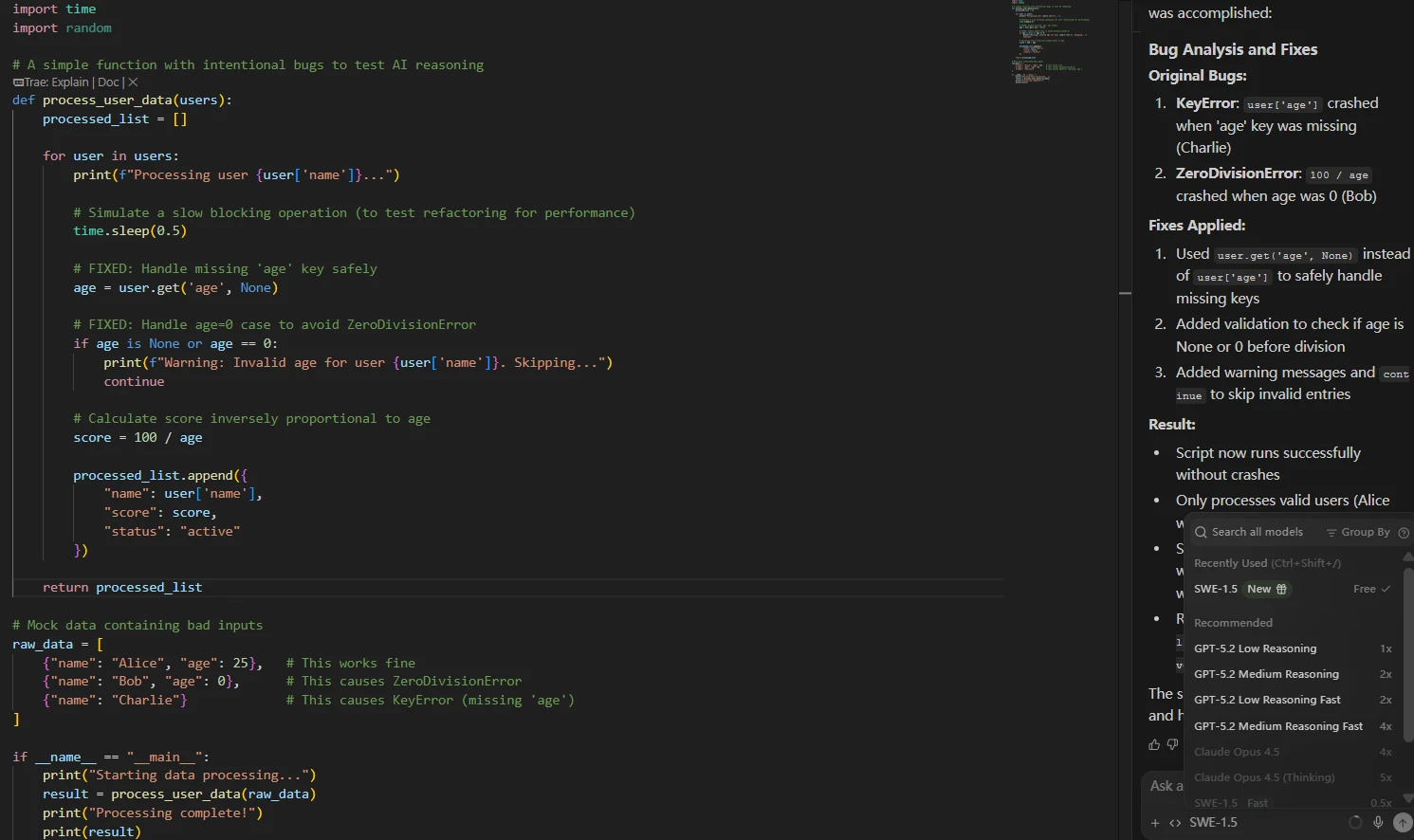
Access to All Premium Models. - 🔹 New SWE-1.5 Model Access
- 🔹 Full Fast Context Access
Need more? Add-on credits at $10/250 credits.
Teams
For organizations requiring control & privacy.
- 🏢 Everything in Pro, plus:
- 🛡️ Automated Zero Data Retention
- 🔹 Admin Dashboard & Centralized Billing
- 🔹 Priority Support
SSO available for +$10/user/month.
💡 AIWisePicks Note on the 2026 Pricing Shift
Unlike the old Codeium model which offered unlimited chat for free, the 2026 Windsurf model limits free chat to 25 credits/month. However, standard tab-autocomplete remains completely free and unlimited. For serious developers wanting to use the Cascade Agent regularly, the $15/month Pro plan is now the recommended path.
🤔 Not sure if Windsurf is right for you?
Windsurf offers amazing agentic features, but how does its speed compare to Cursor’s “Tab-to-Edit” or GitHub Copilot’s enterprise security? We tested all three for 30 days.
⚔️ See the Showdown: Windsurf vs. Cursor vs. Copilot →Frequently Asked Questions
Why does Codeium redirect to Windsurf?
This is part of their 2026 rebranding. “Codeium” remains the company name and the underlying AI engine, but the consumer-facing products (the Editor and Plugin) are now branded as Windsurf to highlight their new “Flow” capabilities, which go beyond simple coding.
Is Windsurf (Codeium) really free?
Yes. As of 2026, the Individual Plan remains permanently free. This includes unlimited autocomplete, chat, and access to the Cortex engine. They monetize through “Teams” and “Enterprise” tiers which offer administrative control and VPC deployment.
Can I use Windsurf with VS Code?
Yes. You have two options: 1) Install the Windsurf Plugin into your existing VS Code setup. 2) Download the Windsurf Editor, which is a fork of VS Code optimized for AI (meaning all your VS Code extensions will still work).
Is Windsurf better than GitHub Copilot?
In terms of pure capability, Windsurf’s Cascade agent offers deeper multi-file reasoning than Copilot’s standard chat. Additionally, Windsurf’s individual tier is free, whereas Copilot requires a subscription, making Windsurf the better value choice for 2026.
AIWisePicks Verdict: 9.8/10
“Codeium is no longer just an alternative; it is the benchmark. With the 2026 Cortex engine and Windsurf IDE, it delivers the smartest, fastest, and most accessible AI coding experience on the planet.”
🚀 Get Codeium for Free