
15 Best Free AI Image Generators in 2026 (No Watermark, No Login Required)
AI image generators are revolutionizing the way we create visuals. Whether you’re a blogger, marketer, student, or designer, these tools allow you to create professional-quality images simply by describing what you want. Even better, many of the most powerful image generators are completely free to use—no subscription, no watermark, and in some cases, no login required.
This guide is designed to help you find the best free AI image generators available in 2026. We have re-tested these tools for the new year to ensure they remain top-performing options based on their ease of use, image quality, and creative flexibility.
Whether you’re looking to generate fantasy landscapes, realistic portraits, abstract illustrations, or product mockups, this article will walk you through the best options—all free, and all tested. Let’s get started!
🚀 AI Image Trends to Watch in 2026
As we move into 2026, free AI generators are evolving rapidly. Here is what’s new for creators this year:
- Higher Resolution & Text: Models like DALL·E 3 are getting better at rendering legible text inside images—a feature that was hit-or-miss in previous years.
- Video Integration: Tools like Runway ML are blurring the lines between static images and video generation.
- Ethical & Copyright Filters: Expect stricter but safer guardrails as platforms adapt to 2026 copyright regulations.
Why Use Free AI Image Generators
AI image generators have opened up new possibilities for anyone who needs custom visuals—without hiring designers or spending hours in graphic software. And when they’re free, it becomes a game-changer for creators on a budget.
Top Benefits of Free AI Image Tools
- Zero Cost: Many platforms offer high-quality results with no payment, making them ideal for students, freelancers, and hobbyists.
- No Design Skills Needed: Just describe what you want in words, and the AI handles the rest—no Photoshop experience required.
- Speed and Convenience: Generate unique images in seconds, perfect for social media, blog covers, YouTube thumbnails, and more.
- Creative Freedom: From fantasy characters to futuristic landscapes, you’re limited only by your imagination.
- Testing Before Paying: Free tools let you test AI capabilities before committing to a paid plan.
Ideal Use Cases
Free AI image generators are incredibly versatile. Here are a few practical examples:
- Content Creators: Generate eye-catching thumbnails, feature images, or Instagram posts.
- Marketers: Create quick visual mockups for ads, social banners, and landing pages.
- Educators & Students: Visualize concepts or bring reports and presentations to life.
- Game Designers & Writers: Visualize characters, environments, and narrative ideas.
- Startup Teams: Generate pitch deck graphics or product visualizations without design staff.
In short, free AI image generators offer a low-barrier, high-impact way to transform ideas into visuals. In the next section, we’ll explore the top tools that let you do exactly that—without spending a dime.
Top Free AI Image Generator Tools
Image Creator from Microsoft Designer (formerly Bing)
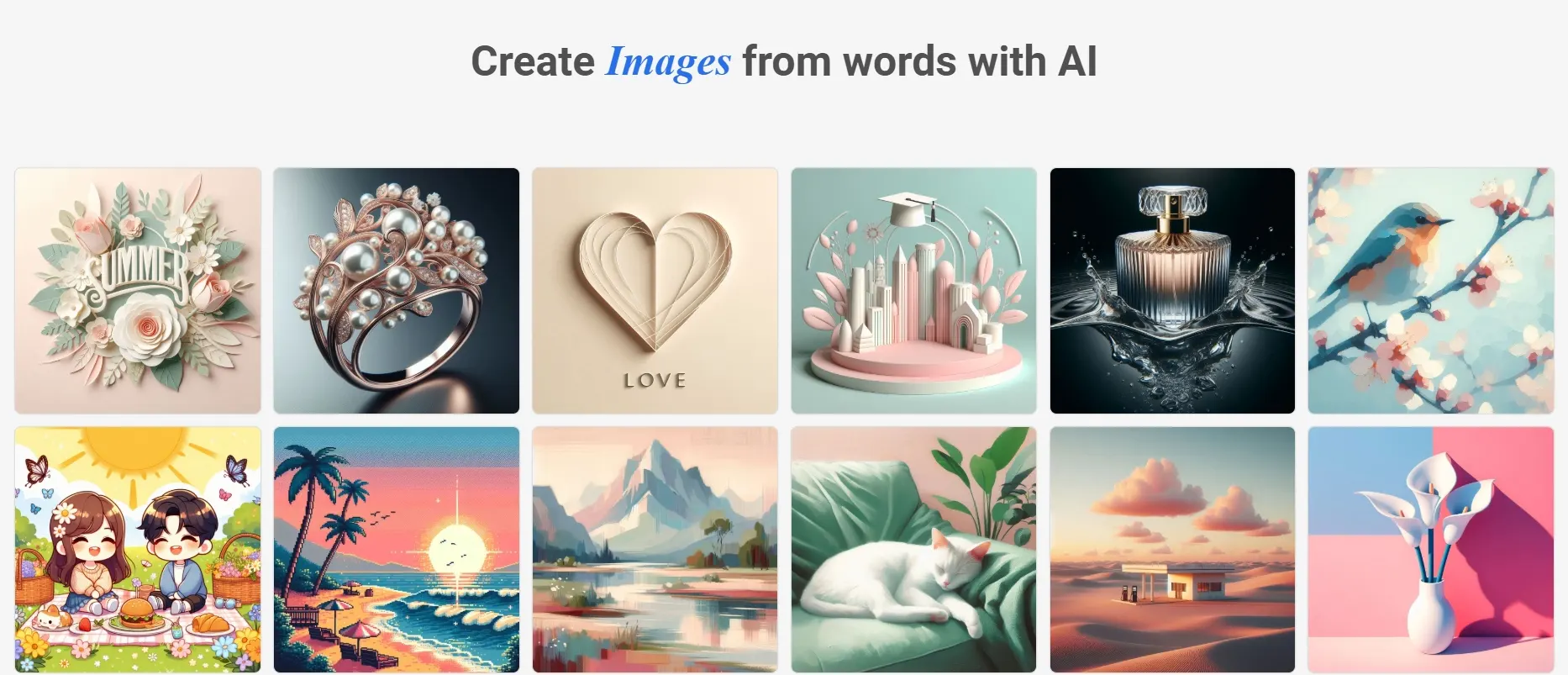
Image Creator from Designer (previously known as Bing Image Creator) remains the best way to access OpenAI’s DALL·E 3 model for free. In 2026, it has evolved from a simple generator into a full-fledged design suite, allowing you to not only generate images but also edit them instantly using AI tools.
2026 Update: Now fully integrated with Microsoft Designer, offering built-in “Generative Erase” and background removal tools directly after generation.
Key Features
- Power of DALL·E 3: Still offers industry-leading prompt adherence and text rendering.
- Integrated Editing: Instantly edit outputs (remove background, blur, add text, or erase objects).
- Microsoft Ecosystem: Accessible via Copilot, Edge sidebar, or the dedicated Designer app.
- Daily Boosts: 15 “fast generations” replenished daily for free users.
Limitations
- Watermarks: Includes both a visible Designer logo and invisible C2PA content credentials.
- Strict Safety Filters: Can block benign prompts (e.g., celebrity names or “unsafe” concepts) more aggressively than other tools.
- Microsoft Account: Mandatory login required to generate.
Output Style
It mirrors DALL·E 3’s signature versatile style:
- Bright, high-contrast, and aesthetically pleasing visuals.
- Excellent handling of text inside images (posters, logos).
- Detailed vector-style illustrations and 3D renders.
Pros
- Major Upgrade: No longer just a generator—now includes useful post-processing tools.
- Completely free access to a top-tier model (DALL·E 3).
- Fast and reliable server performance.
Cons
- Free images now typically carry a small visible watermark/logo.
- Square aspect ratio is often the default (though landscape is supported in Designer).
Best For
Users who want a “one-stop-shop” to generate a concept and immediately turn it into a social media post or flyer without switching tabs.
Craiyon (formerly DALL·E Mini)
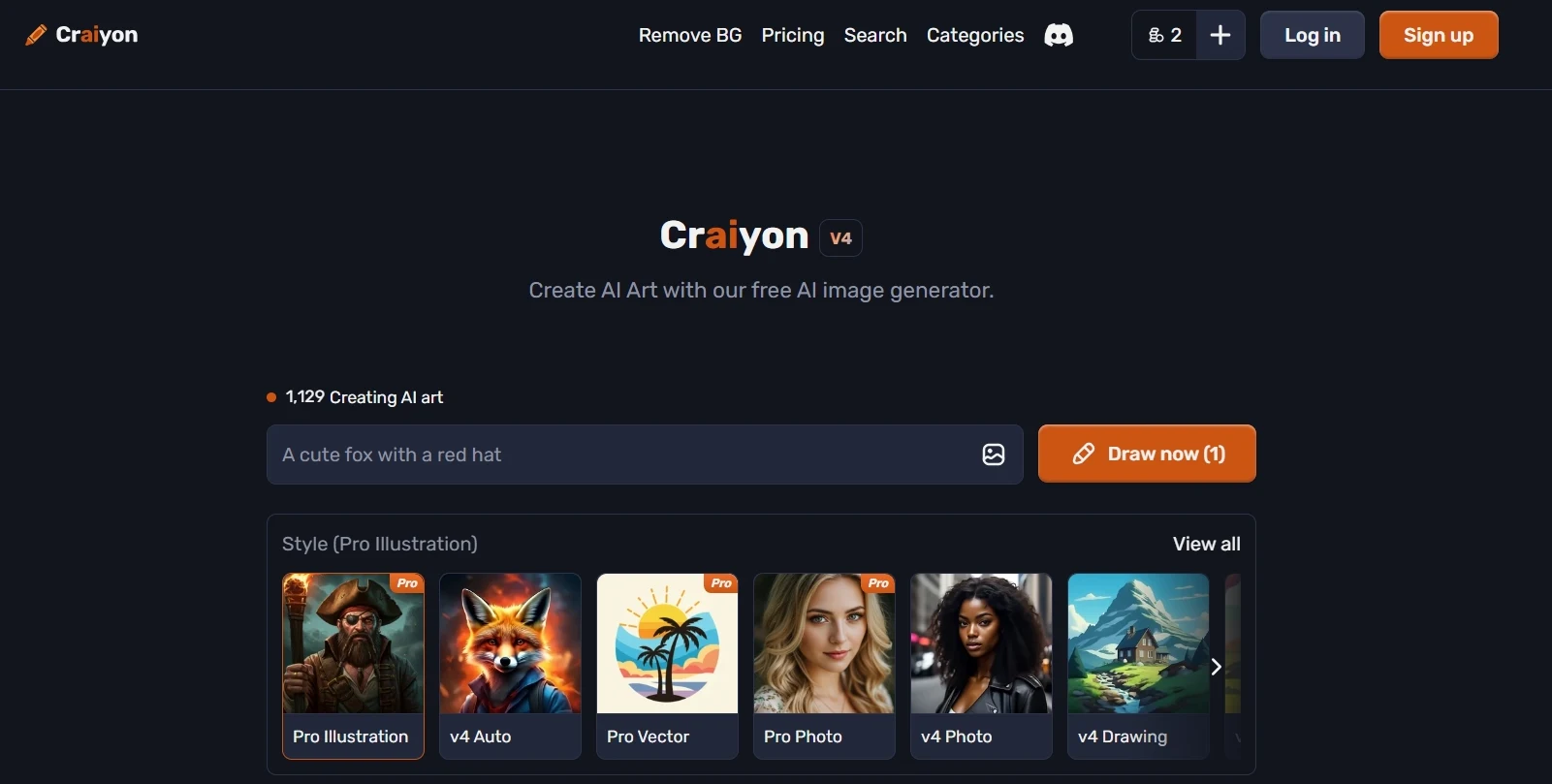
Craiyon remains the internet’s favorite lightweight, browser-based generator. In 2026, while other tools have put up paywalls, Craiyon sticks to its “Free Forever” promise with absolutely no login required. It’s famous for generating a grid of 9 images at once, making it perfect for rapid brainstorming.
2026 Update: Now features advanced Style Presets (Vector, Photo, Raw) and a built-in background remover, though free users are still locked to square aspect ratios.
Key Features
- Truly Anonymous: No email, no sign-up, no friction. Just type and generate.
- Smart Styles: New modes like “Vector” (for logos) and “Photo” help guide the AI better than before.
- Negative Prompting: Dedicated “Exclude” box to remove unwanted elements (like “text” or “blur”).
- Unlimited Use: No daily credit limits for the standard “Base” model.
Limitations
- Ad-Supported: The free interface is heavy on ads to support the server costs.
- Resolution & Watermark: Free downloads are lower resolution with a small red watermark.
- Square Only: Free users cannot change the aspect ratio from 1:1.
Output Style
Craiyon has a distinct “internet native” vibe:
- Great for memes, surreal humor, and quirky concepts.
- “Vector” mode produces surprisingly clean flat graphics.
- “Raw” mode offers creative, unfiltered interpretations of prompts.
Pros
- Commercial Use Allowed: Free users can use images commercially if they credit Craiyon—a rare perk in 2026.
- Generates 9 variations at once, speeding up the idea process.
- Works perfectly on mobile browsers without an app install.
Cons
- Facial details can still look distorted compared to DALL·E 3 or Gemini.
- Slower generation times (45-60 seconds) for free users.
Best For
Meme creators, students, and anyone who wants to generate a quick visual idea anonymously without handing over their email address.
NightCafe Studio
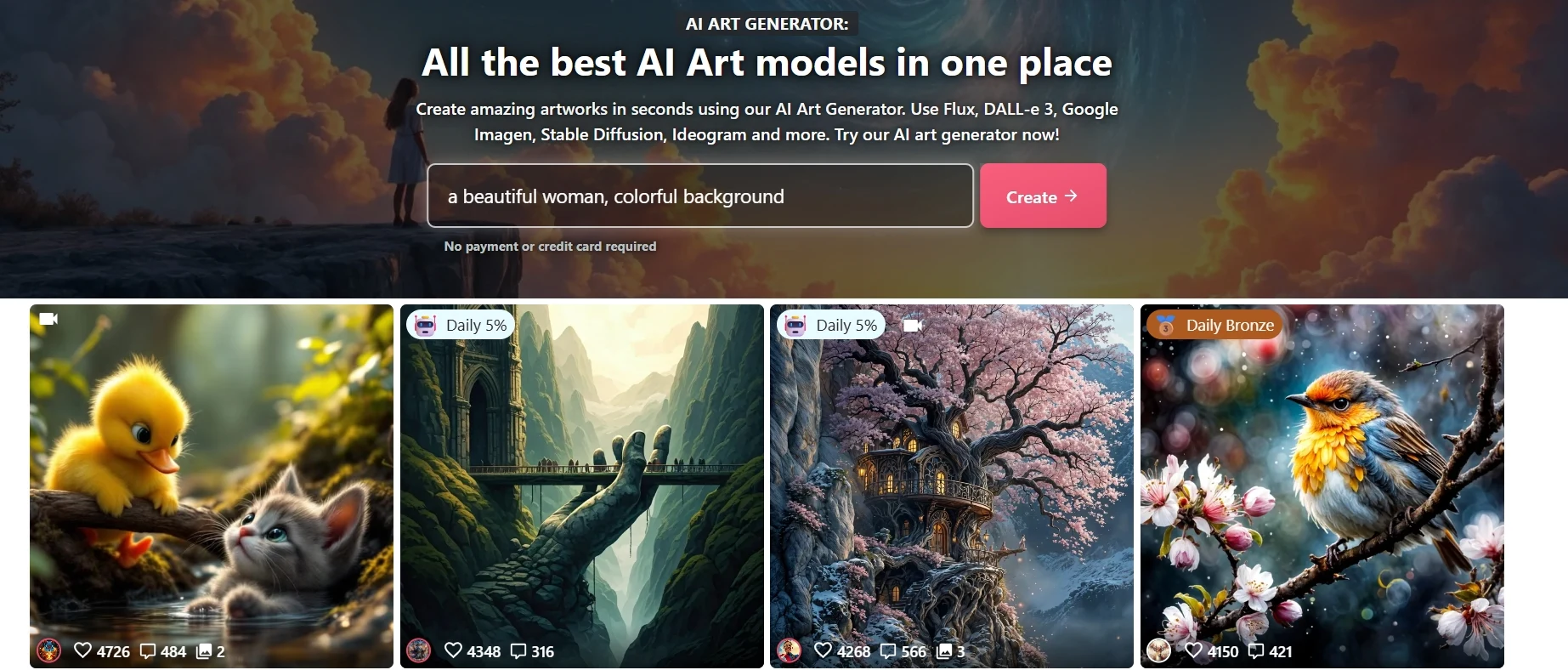
NightCafe remains the most “community-first” platform in 2026, acting as a massive hub where you can access almost every major AI model without switching subscriptions. It has evolved from a simple generator into a comprehensive playground supporting Flux, Stable Diffusion 3, and even AI video generation.
2026 Update: Now integrates the powerful Flux 1.1 and Recraft v3 models, plus a new “Video Mode” powered by Runway Gen-3 and Luma, making it a true multi-modal studio.
Key Features
- Model Hub: Switch between Flux, Stable Diffusion 3.5, DALL·E 3, and Recraft v3 in one click.
- Daily Free Credits: Still offers 5 free credits daily, plus extra credits for voting in challenges.
- Community Power: Home to the #open-prompt-gang movement, encouraging users to share rather than hide their prompts.
- Advanced Control: “Pro” editor with depth-masking, control nets, and start images for fine-tuning.
- Real-Time Canvas: Draw basic shapes and watch the AI turn them into detailed art instantly.
Limitations
- Credit Heavy: Premium models like Flux Ultra or Recraft v3 cost more credits per image than older models.
- Login Required: You must have an account to generate (though browsing is free).
- Interface Complexity: The sheer number of models and settings can be overwhelming for total beginners.
Output Style
Because it hosts multiple models, NightCafe can do it all:
- **Flux:** Unbeatable photorealism and text rendering.
- **SDXL / SD3:** Artistic, painterly, and highly stylized fantasy art.
- **Recraft:** Clean vector art and logos usable for professional design.
Pros
- The best way to test new models (like Flux) without installing complex local software.
- Gamified experience with daily challenges keeps motivation high.
- Works seamlessly on mobile via a dedicated app and responsive web UI.
Cons
- Free daily credits can burn out fast if you use the newest “High Res” models.
- Strict NSFW filters on most public models.
Best For
AI Enthusiasts & Explorers: Anyone who wants to try the absolute latest AI technology (like Flux or SD3) immediately upon release without needing a powerful computer.
Google Gemini (Imagen 3)
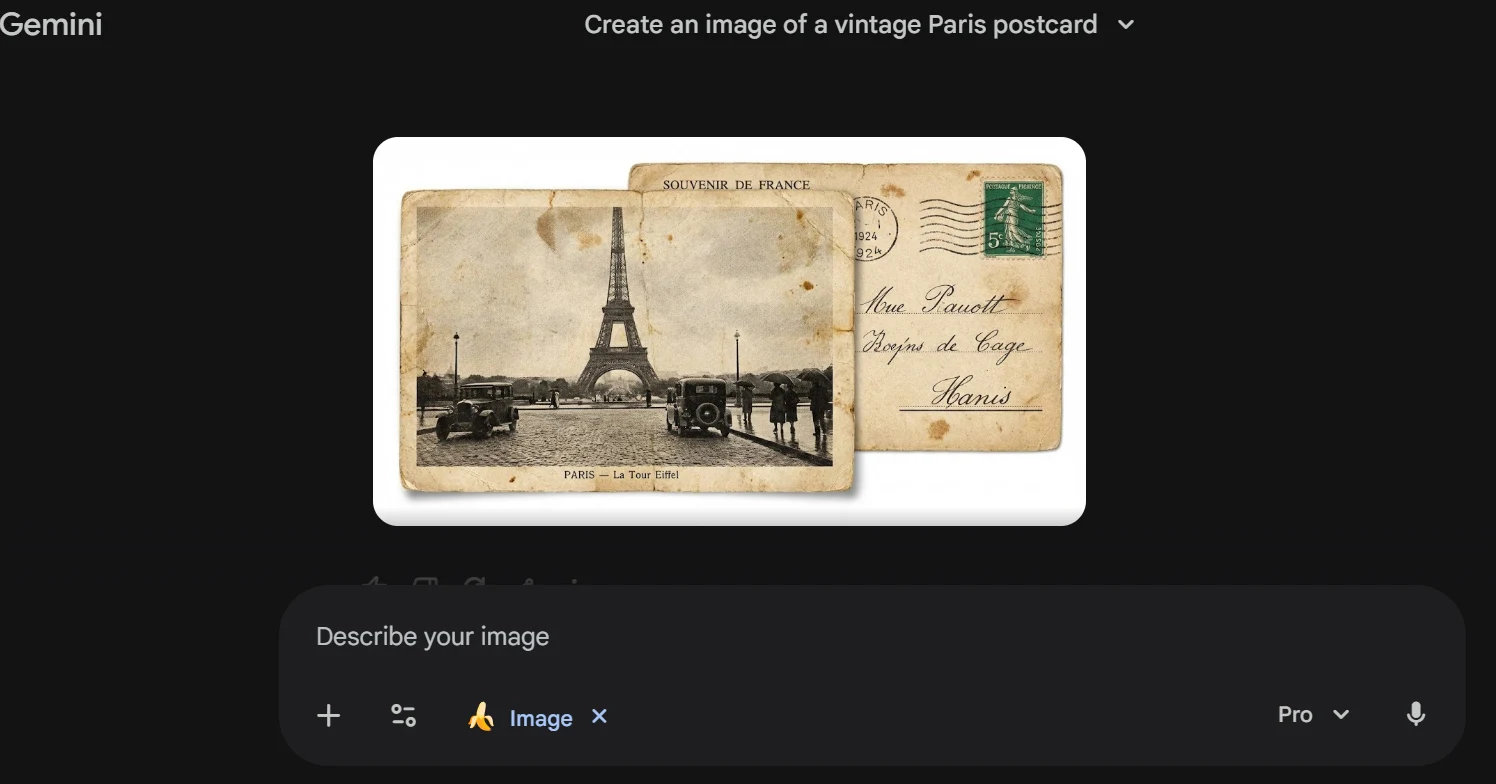
Google Gemini has become a powerhouse in 2026 with the integration of the Imagen 3 model. It stands as the primary competitor to DALL·E 3, offering incredible photorealism and text rendering capabilities directly within a conversational interface.
Key Features
- Powered by Google’s advanced Imagen 3 model
- Completely free to use with a standard Google account
- Generates images directly in the chat window (Conversational AI)
- “SyntID” invisible watermarking for AI identification
- High capability for rendering legible text inside images
Limitations
- Strict safety filters (refuses to generate named public figures)
- Requires a Google account login
- Square aspect ratio is default unless specified
Output Style
Gemini excels in:
- Hyper-realistic stock photography
- Surreal 3D renders and clay styles
- Images containing specific text (signage, logos)
Pros
- Fast generation speeds
- No complex credits system (generous fair usage policy)
- Deep integration with Google ecosystem
Cons
- Over-sensitive safety guardrails can block harmless prompts
- Less manual control than dedicated art tools
Best For
Users who want the highest photorealism and text accuracy without navigating a complex dashboard.
Leonardo.Ai
Leonardo.Ai continues to be a favorite for professionals, now significantly strengthened by its acquisition by Canva. This partnership has accelerated its development, combining Leonardo’s deep customization controls with Canva’s massive design infrastructure. It remains a standalone powerhouse for game developers and artists who need granular control over every pixel.
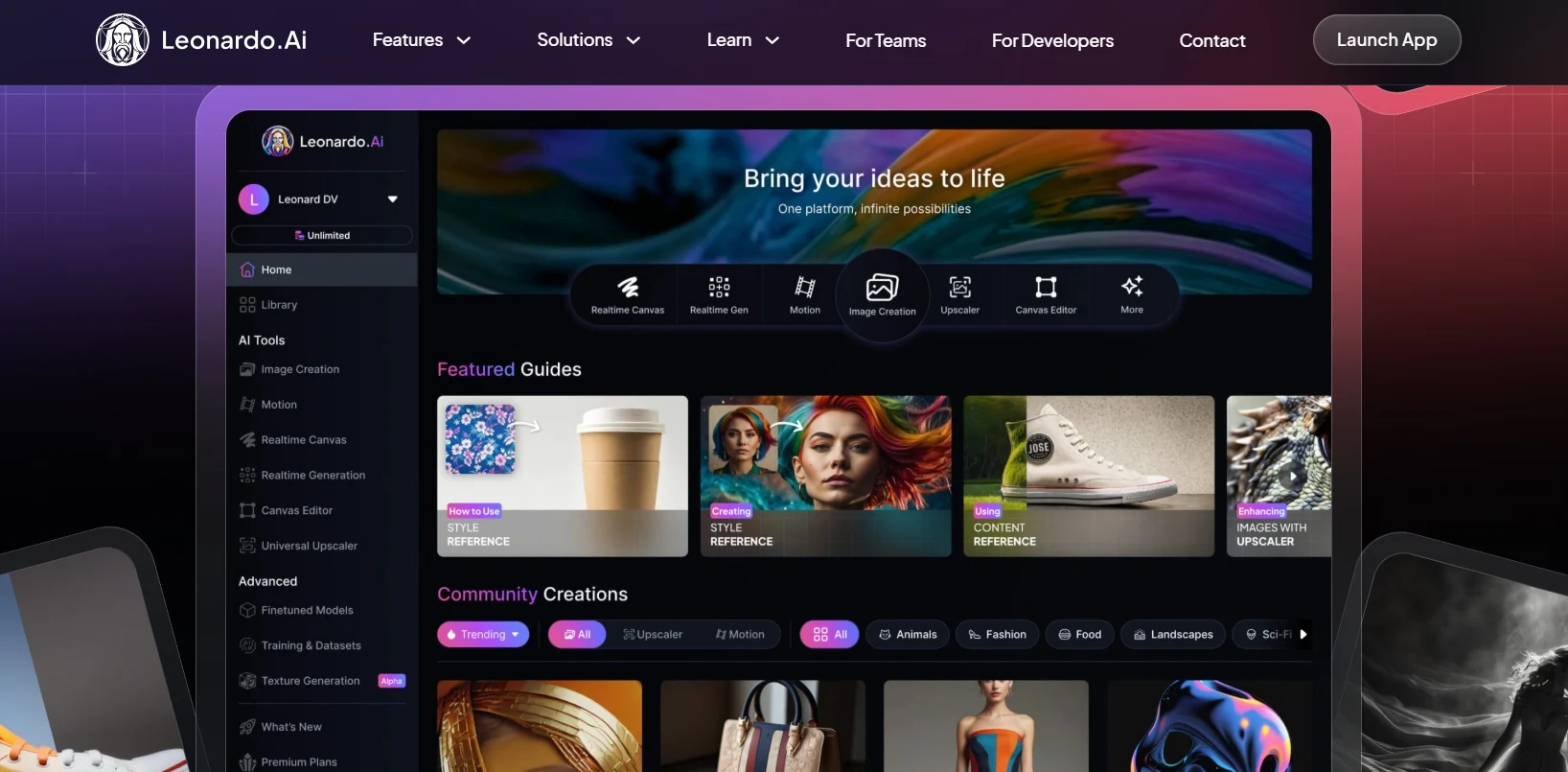
2026 Update: The platform now features the advanced Phoenix model, offering superior prompt adherence and text rendering compared to previous versions.
Key Features
- Advanced Models: Access to proprietary models like Leonardo Phoenix, DreamShaper v7, and Anime XL.
- High Fidelity: Supports up to 1536x1536px native generation with built-in upscaling.
- Creative Control: Features “Elements” (LoRA) to mix styles and “Canvas” for professional inpainting/outpainting.
- Generous Free Tier: Provides ~150 daily tokens (enough for widely tested experimentation).
- Asset Management: Organized workspace with private/public toggle options.
Limitations
- Requires account creation.
- Some specialized features (like Alchemy Refiner) consume more tokens, reducing free daily output.
- The interface can be overwhelming for casual users compared to simpler tools.
Output Style
Leonardo.Ai is unmatched for:
- Game assets (RPG characters, items, isometric environments).
- Consistent character generation (using fixed seeds and reference images).
- Highly stylized, artistic, or photorealistic commercial visuals.
Pros
- Backed by Canva’s reliable infrastructure and frequent updates.
- Unrivaled control over style, composition, and prompt weighting.
- Active community and huge library of user-trained models.
- Commercial rights included even for free generated images (check latest TOS).
Cons
- Steeper learning curve; not a “one-click” solution for beginners.
- Free tokens reset daily but do not accumulate.
Best For
Advanced Creators & Designers: Perfect for those who want to move beyond simple prompts and need a professional tool for game design, concept art, or commercial projects.
Playground (formerly Playground AI)
Playground has evolved from a simple Stable Diffusion wrapper into a serious competitor to Midjourney. In 2026, it runs on its own proprietary Playground v3 model, which is widely praised for its exceptional aesthetic quality and lighting effects. It remains a favorite for designers because it offers a full graphical editor (“Canvas”) rather than just a chat box.
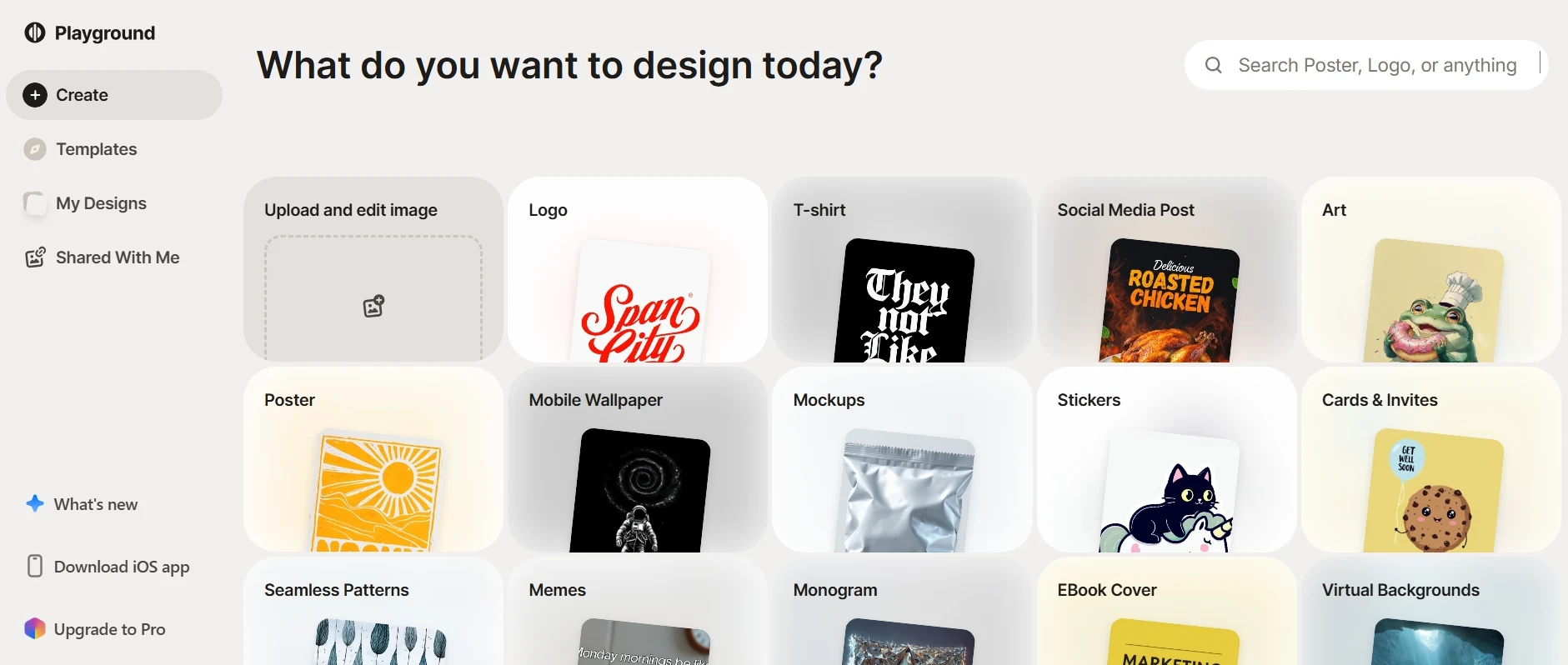
2026 Update: The new Playground v3 model is now the default, offering “Graphic Design” quality that rivals paid tools. The free tier remains generous but now prioritizes “Public” sharing.
Key Features
- Pro Models: Access to Playground v3 and v2.5 (known for high aesthetic scores).
- Generous Quota: Generate up to 500 images/day (subject to wait times on high-end models).
- The Canvas: A Photoshop-like interface to mix multiple AI images, erase objects, and expand backgrounds.
- Mixed Image Editing: Combine real photos with AI elements seamlessly.
- Filters: Hundreds of one-click style filters (e.g., “Instaport”, “Neon Mecha”).
Limitations
- Public by Default: Free images are visible on your public profile (Privacy requires a Pro plan).
- Speed Limits: Free users may experience longer wait times during peak hours (2026 server loads).
- Daily Limits: While high (500), limits now reset every 24 hours strictly.
Output Style
Playground excels in polished, commercial-ready visuals:
- Editorial photography and fashion shots.
- 3D characters and isometric design assets.
- Vector stickers and t-shirt designs.
Pros
- No Watermarks: Unlike many competitors, free images are usually watermark-free (just public).
- The “Canvas” mode is the best free alternative to Adobe Generative Fill.
- Extremely active community sharing prompts and settings.
Cons
- Steeper learning curve due to the professional dashboard.
- You cannot hide your work from others on the free plan.
Best For
Designers & Social Media Managers: Those who need to edit and compose images (add text, remove backgrounds) rather than just generating a single picture.
Mage.Space
Mage.Space has transformed from a simple interface into a cloud-based powerhouse. In 2026, it is widely recognized as the best platform for running heavy open-source models like Stable Diffusion XL (SDXL) and Flux without needing a powerful gaming PC. Unlike corporate tools (like Bing or Gemini), Mage offers significantly more creative freedom with fewer content restrictions.
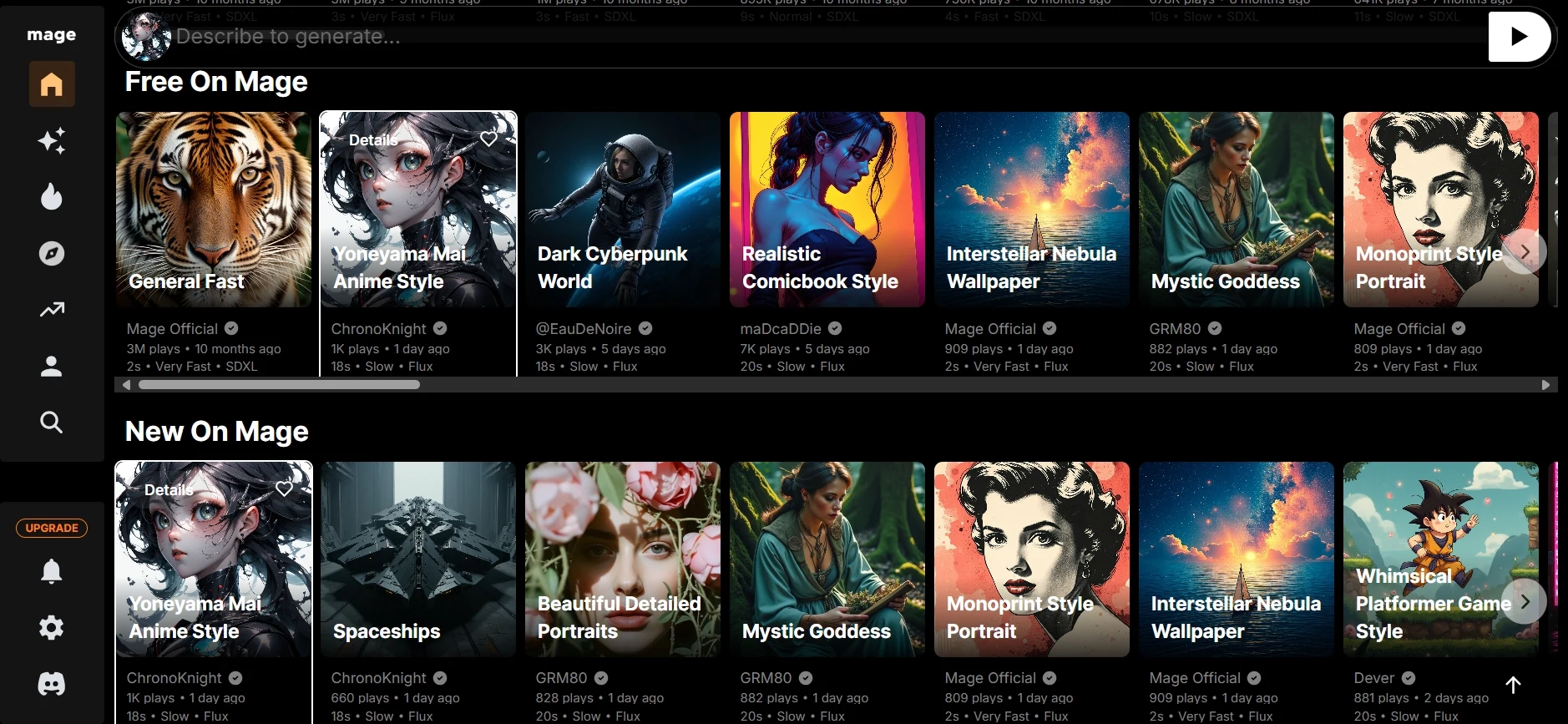
2026 Update: One of the few free tiers that supports the new Flux.1 model ecosystem, allowing for state-of-the-art photorealism and text rendering.
Key Features
- Top-Tier Models: Access to SD 1.5, SDXL, and Flux (Free tier models rotate/vary).
- Unfiltered Creativity: Much looser safety guardrails compared to DALL·E 3, allowing for artistic nudity and complex themes.
- Fast Generation: Optimized GPU clusters mean images generate in seconds.
- LoRA Support: Ability to stack multiple styles or character models (mostly Pro, but some basic access).
- Privacy Options: Unlike social platforms, you can easily delete your generation history.
Limitations
- Feature Locking: The best features (Hi-Res Fix, specific LoRAs) are aggressively locked behind the Pro subscription.
- Ads: The free experience in 2026 is supported by banner ads.
- UI Complexity: The interface has become denser with advanced settings, which might scare off total beginners.
Output Style
With the addition of SDXL and Flux, Mage.Space produces:
- Cinema-quality photorealism (indistinguishable from real photos).
- Detailed anime and illustration styles (using specialized checkpoints).
- Complex compositions that require “unsafe” or artistic freedom.
Pros
- Creative Freedom: The best free option for users who feel restricted by “Safety Filters” on other platforms.
- No Setup: Runs powerful models in the browser instantly.
- Unlimited generations are still available for base models (SD 1.5).
Cons
- Free users are often deprioritized during peak hours (slower speeds).
- Watermarks or “upsell” pop-ups can be intrusive.
Best For
Advanced Hobbyists & Anime Fans: Users who want the quality of open-source models (like Flux) and the freedom of an uncensored platform without installing software locally.
Dream by WOMBO
Dream by WOMBO remains the undisputed king of mobile AI art in 2026. While others focus on complex desktop dashboards, Dream has doubled down on being the “Instagram of AI Art.” It combines a super-simple interface with a vibrant social network where you can remix other users’ prompts and compete in daily design challenges.
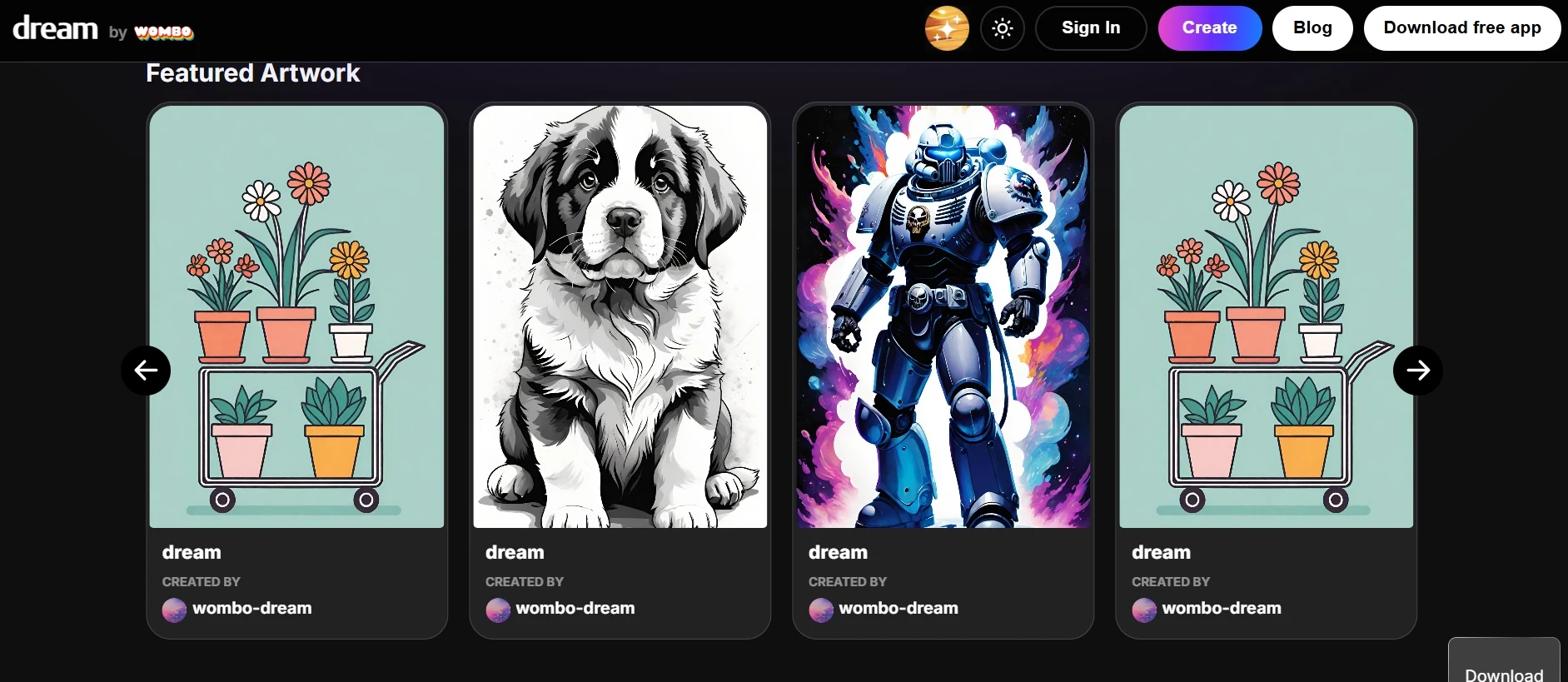
2026 Update: Now features “Real-Time Generation” on newer phones, letting you see the image morph instantly as you type each word.
Key Features
- Massive Style Library: Over 80+ presets including “Ghibli,” “Steampunk,” and the new “Realistic v3” powered by a tuned SDXL model.
- Community & Remix: Browse a TikTok-like feed of AI art and instantly “Remix” any image to apply its style to your own prompt.
- Daily Challenges: Compete in themed contests (e.g., “Cyberpunk City”) to win badges and exposure.
- Edit with Text: Type instructions like “make the river blue” to edit parts of an image without manual masking.
Limitations
- Mobile Focused: The web version exists but lags behind the app in features (e.g., lacks some social tools).
- Watermarks: Free downloads include “Trading Card” style borders or watermarks unless cropped.
- Aspect Ratio Locked: Free users are generally restricted to vertical (portrait) aspect ratios.
Output Style
Dream is famous for its distinct aesthetic:
- Vibrant, high-saturation fantasy and sci-fi art.
- “Trading Card” aesthetics perfect for mobile wallpapers.
- Abstract and surreal interpretations that handle short prompts well.
Pros
- Commercial Use: Free users CAN use images commercially, provided they attribute WOMBO (check 2026 TOS).
- Zero Friction: The fastest way to go from “Idea” to “Phone Wallpaper” in under 10 seconds.
- Fun, gamified experience that feels less like a tool and more like a game.
Cons
- Hard to get consistent photorealism compared to Gemini or DALL·E 3.
- The free version has become more ad-heavy in 2026.
Best For
Mobile Users & Social Creators: Perfect for creating quick, eye-catching visuals for TikTok/Instagram stories or for anyone who enjoys the “gamified” side of AI art.
Artbreeder
Artbreeder remains the most unique tool on this list in 2026 because it doesn’t just “generate” images—it “evolves” them. Instead of typing a prompt and hoping for the best, you act like a genetic engineer, blending “parent” images together to create new “offspring.” It’s a collaborative web of creativity where every image created by anyone can be remixed by everyone.
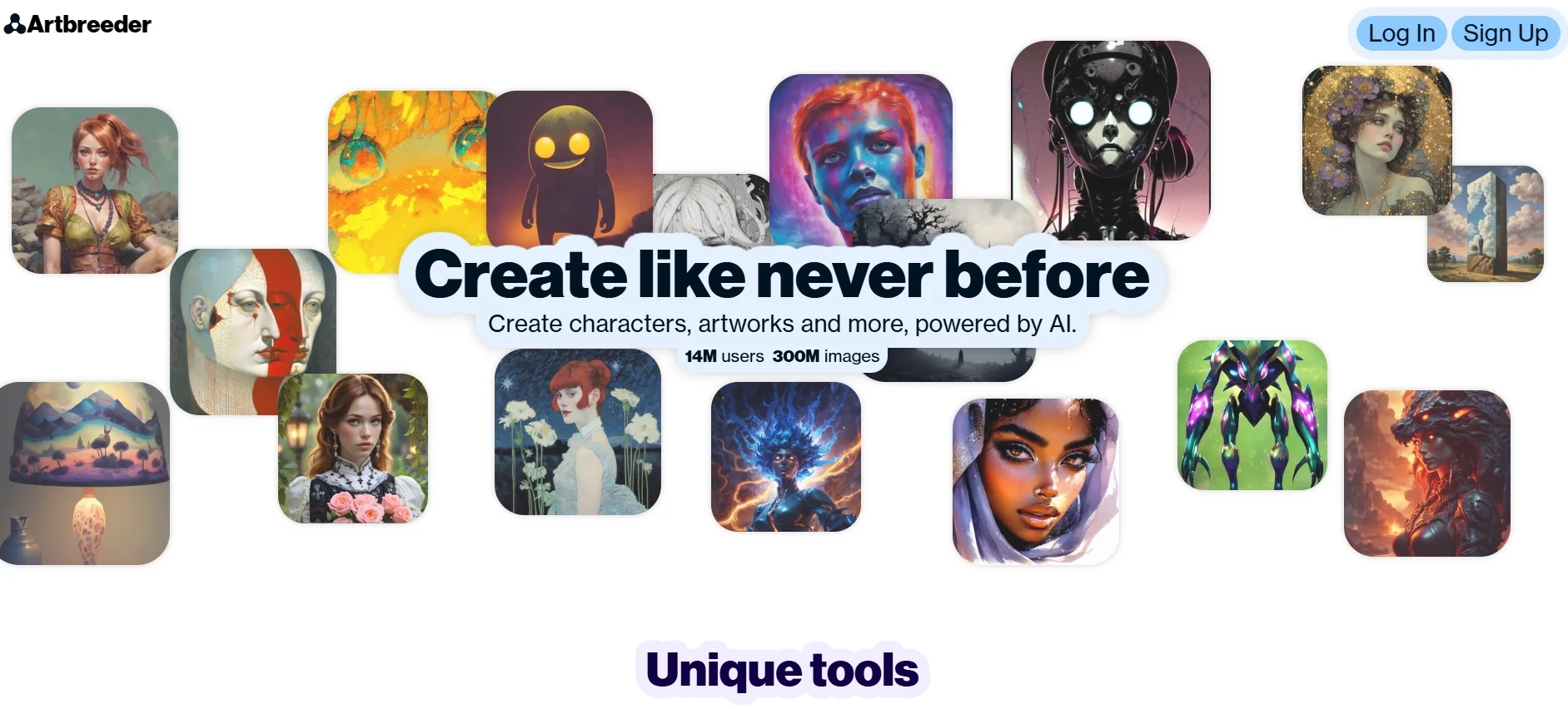
2026 Update: The new “Poser” tool finally allows you to control character poses manually, and “Mixer” now lets you blend text prompts directly with visual genes.
Key Features
- Splicer 2: The classic “gene mixing” tool, now faster and higher resolution. adjust sliders for “Age,” “Chaos,” or “Gender”.
- Mixer: Blend images and text together (e.g., mix a photo of a cat with the concept of “oil painting”).
- Poser: Create characters by actually posing a 3D model, ensuring the face angle and body language are perfect.
- Outpainting: Expand any image beyond its original borders seamlessly.
- Public Domain (CC0): All images created are CC0, meaning you truly own them—but so does everyone else.
Limitations
- Shared Ownership: Since everything is CC0 public domain, you cannot copyright your creations or stop others from using them.
- Wait Times: High-resolution downloads often require waiting in a queue unless you pay.
- Face Focused: While landscapes exist, it is still primarily optimized for portraits and characters.
Output Style
Artbreeder has a very recognizable “morphed” aesthetic:
- Smooth, highly consistent character portraits (great for RPG tokens).
- Surreal, dream-like landscapes that melt into each other.
- “Unstable” or abstract art when chaos sliders are pushed high.
Pros
- Collaboration: Access to millions of user-generated “genes” to start your work.
- Control: “Poser” offers control over composition that text prompts simply can’t match.
- Free Commercial Use: No restrictions on commercial use (due to CC0 license).
Cons
- Can feel less “crisp” or detailed than Flux or DALL·E 3 models.
- Uploading your own source images is limited on the free plan.
Best For
Writers & RPG Players: The absolute best tool for creating consistent character portraits, family trees, or visualizing novel characters without needing artistic skills.
DeepAI (The AI Suite)
DeepAI has evolved from a simple “text-to-image” script into a comprehensive creative suite in 2026. While it still offers the fastest “no-login” generator on the web, it now includes tools for video, music, and chat. It remains the go-to choice for developers and tech-savvy users who want to integrate AI into their own apps via its robust API.
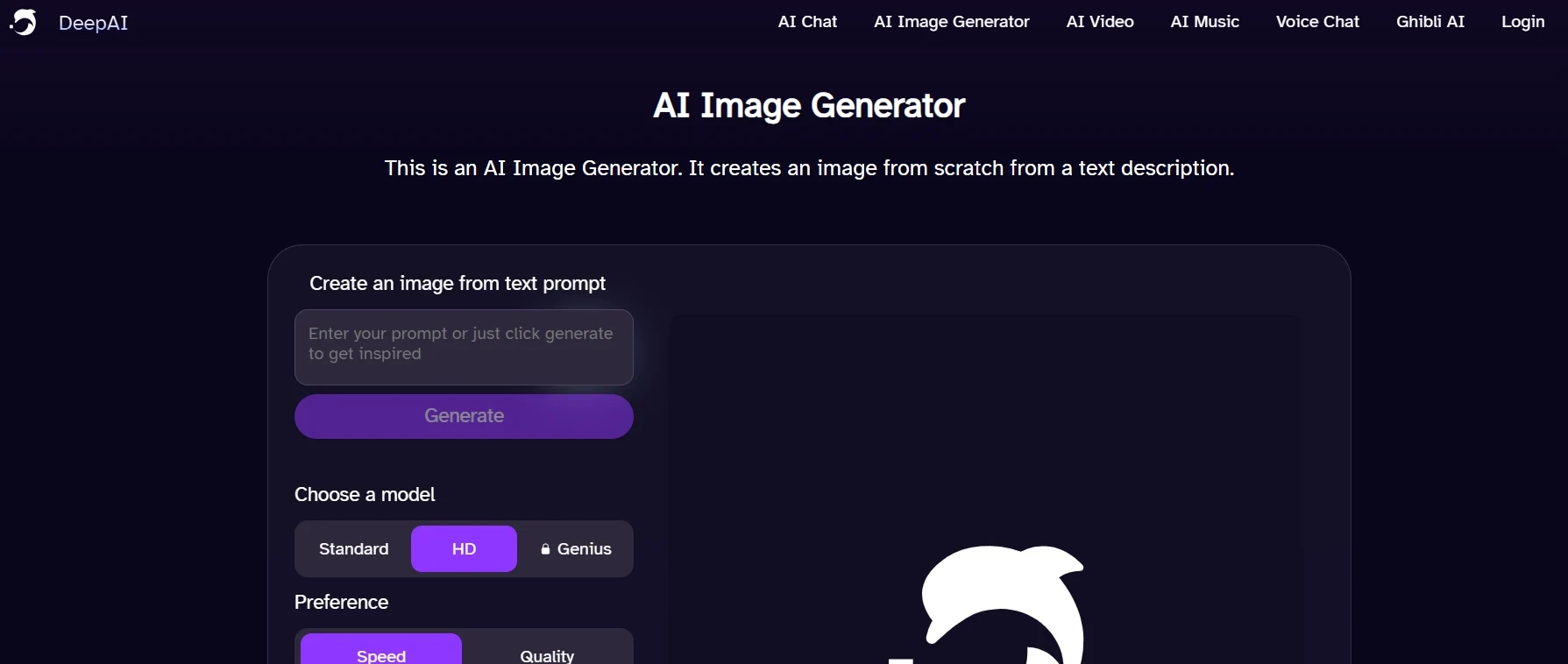
2026 Update: Major expansion: Now includes AI Video and AI Music generation tools for free users, alongside an improved “Genius Mode” for higher quality images.
Key Features
- Creative Suite: Generate Images, 5-second Videos, and Music tracks all from one dashboard.
- Developer API: The most accessible API in the industry for building your own AI apps.
- Edit Tools: Built-in “Zoom Out” (Outpainting) and “Upscale” features.
- No-Login Access: You can still generate standard images without ever creating an account.
- Style Selector: Over 100+ style presets ranging from “Cyberpunk” to “Old Masters.”
Limitations
- Quality Gap: The free “Standard” model creates lower fidelity images compared to DALL·E 3 or Flux.
- Genius Mode Paywall: The high-quality “Genius” model (which rivals Midjourney) is strictly paid.
- Public Images: Images generated on the free plan are public by default.
Output Style
DeepAI works best for:
- Rapid prototyping of concepts (Speed > Quality).
- Abstract art, glitched aesthetics, and stylized illustrations.
- Developers needing placeholder assets generated via code.
Pros
- The “Swiss Army Knife”: Why just make images when you can also make the background music?
- Speed: Generates standard images in seconds, faster than almost any competitor.
- API First: Excellent documentation for coders.
Cons
- The website is heavy on ads for free users in 2026.
- Visual coherence struggles with complex prompts unless you pay for “Genius” mode.
Best For
Developers & Experimenters: Perfect for those who want to play with multiple AI forms (Music/Video/Image) in one place, or coders looking to build their own tools.
Adobe Firefly (Web App)
Adobe Firefly has set the gold standard for “ethical AI” in 2026. Unlike other tools that scrape the web, Firefly is trained exclusively on Adobe Stock images and public domain content, making it the safest choice for creators worried about copyright. Its web interface brings the power of Photoshop’s AI tools to your browser for free.
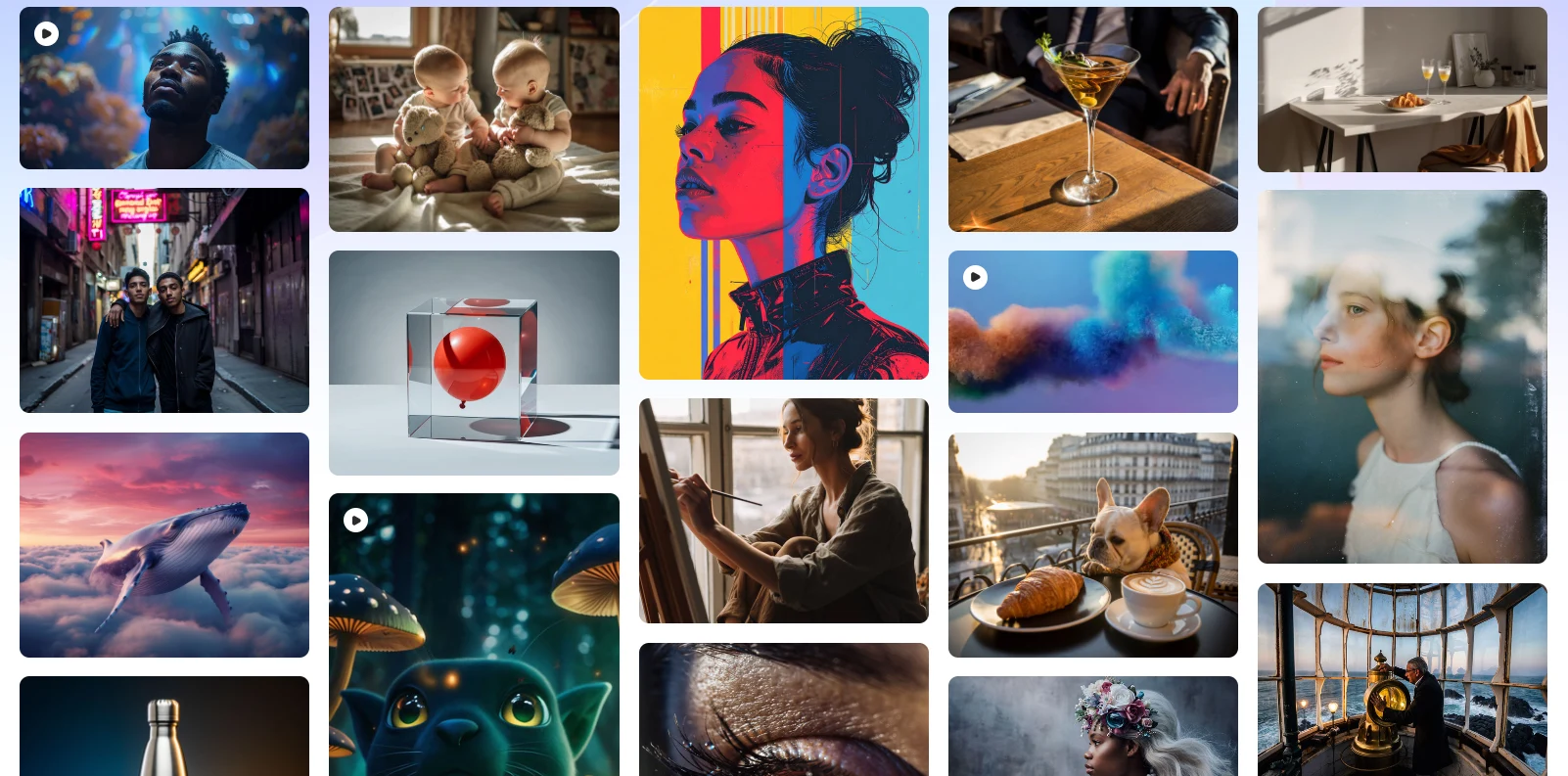
2026 Update: The new Firefly Image 3 Model delivers stunning photorealism, and the “Structure Reference” feature allows you to copy the composition of an uploaded image perfectly.
Key Features
- Monthly Free Credits: You get 25 generative credits every month for free (resets monthly).
- Generative Fill: The industry’s best tool for adding/removing objects by simply brushing over them.
- Text Effects: A unique tool specifically for creating AI-styled typography (e.g., letters made of melted cheese).
- Structure Reference: Upload a sketch or photo, and Firefly will generate a new image matching its exact layout.
Limitations
- Visible Watermark: Free downloads in 2026 include a visible watermark in the corner (indicating it was made with AI).
- Strict Safety Filters: You cannot generate public figures, famous characters (like Mario), or NSFW content. It is strictly “safe for work.”
- Quota: Once your 25 monthly credits are gone, generation slows down significantly or stops until next month.
Output Style
Firefly excels in high-end commercial aesthetics:
- Stock-photo quality images (perfect for ads/blogs).
- Glossy 3D renders and isometric designs.
- Clean, perfectly lit portraits.
Pros
- Ethically Trained: The only major tool that guarantees it didn’t steal artists’ work to train its model.
- User Interface: Extremely polished and easy to use, with sliders for “Visual Intensity” and “Aperture.”
- Integrates seamlessly with Adobe Express for further design.
Cons
- The visible watermark on free images can be distracting.
- Refuses to generate copyrighted characters (e.g., Batman), which can be frustrating for fan art.
Best For
Professionals & Commercial Creators: Anyone who needs high-quality, legally safe images for projects and wants to use advanced tools like Generative Fill without buying Photoshop.
Recraft (Recraft.ai)
Recraft is a game-changer for the “free tools” list in 2026. While typical free generators give you blurry images or heavy watermarks, Recraft offers professional-grade features for free—with one catch: your images are public. It is the only tool on this list that lets free users generate unlimited-resolution Vector Art (SVG).
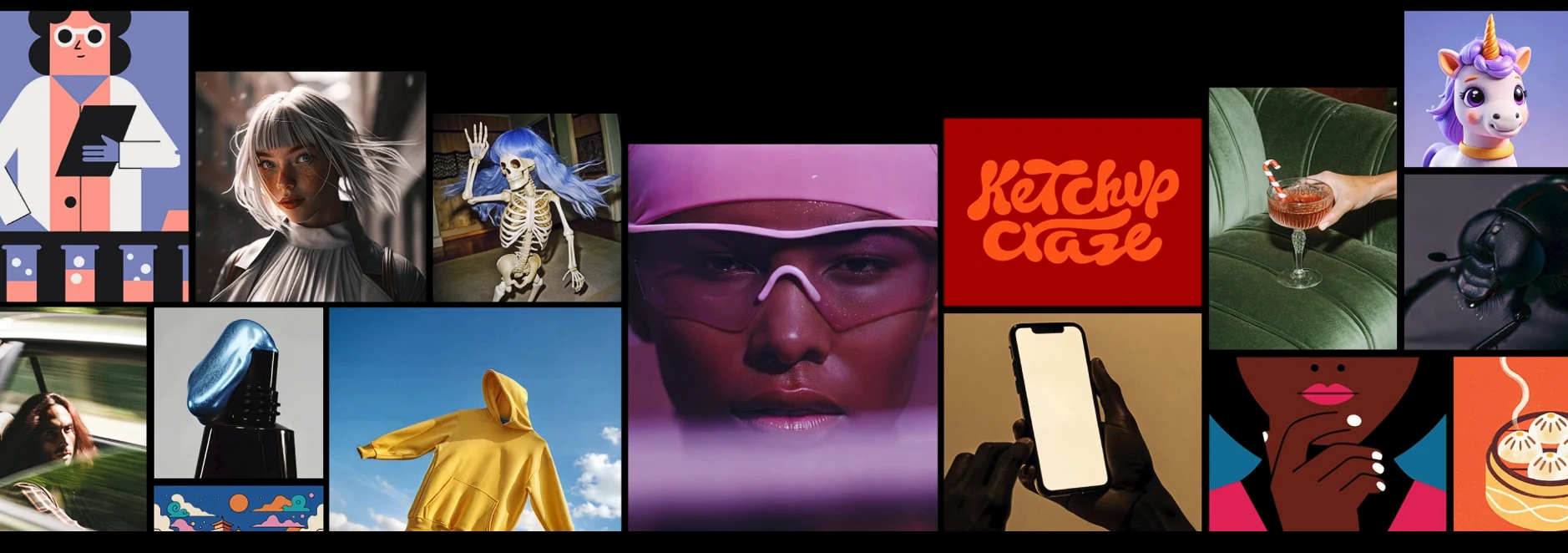
2026 Update: The free tier now grants access to the powerful Recraft v3 (Red Panda) model, widely considered the best in the world for generating accurate text inside logos and illustrations.
Key Features
- Free Vector Export: Download your designs as SVG files (scalable vectors) without paying a cent—a rarity in 2026.
- Daily Free Credits: You get 50 credits every day, which is enough for about 50 standard generations.
- Brand Consistency: Create a “Style Set” to ensure all your icons and images match perfectly.
- Mockups: Instantly see your logo on a t-shirt or business card within the tool.
Limitations
- Public by Default: On the free plan, everything you create is visible in the community gallery. Privacy costs money.
- Commercial License: Check the latest terms—usually, free plan images are for personal use, while the paid plan grants full commercial ownership.
Output Style
Recraft is unique because it’s not just for photos:
- Clean, flat vector icons and logos.
- Professional spot illustrations for websites.
- Typography-heavy designs that are actually legible.
Pros
- Real “Free” Downloads: Unlike Fotor, you can download usable, high-quality files without a watermark blocking the view.
- Infinite Quality: Since it’s vector-based, you can scale the image to the size of a billboard without pixelation.
Cons
- Not ideal for photorealistic “deep fakes” or human portraits (though it can do them).
- You cannot hide your work from competitors on the free tier.
Best For
Designers & Founders: Perfect for creating logos, icons, and website assets for free, as long as you don’t mind the designs being public.
Kittl
Kittl holds a unique spot on this list. While tools like Recraft generate assets, Kittl puts them to work. It is the ultimate platform for Print-on-Demand (POD) creators. In 2026, its “Kittl AI” engine isn’t just making square images; it’s generating transparent, vector-ready graphics specifically designed to be printed on merchandise.
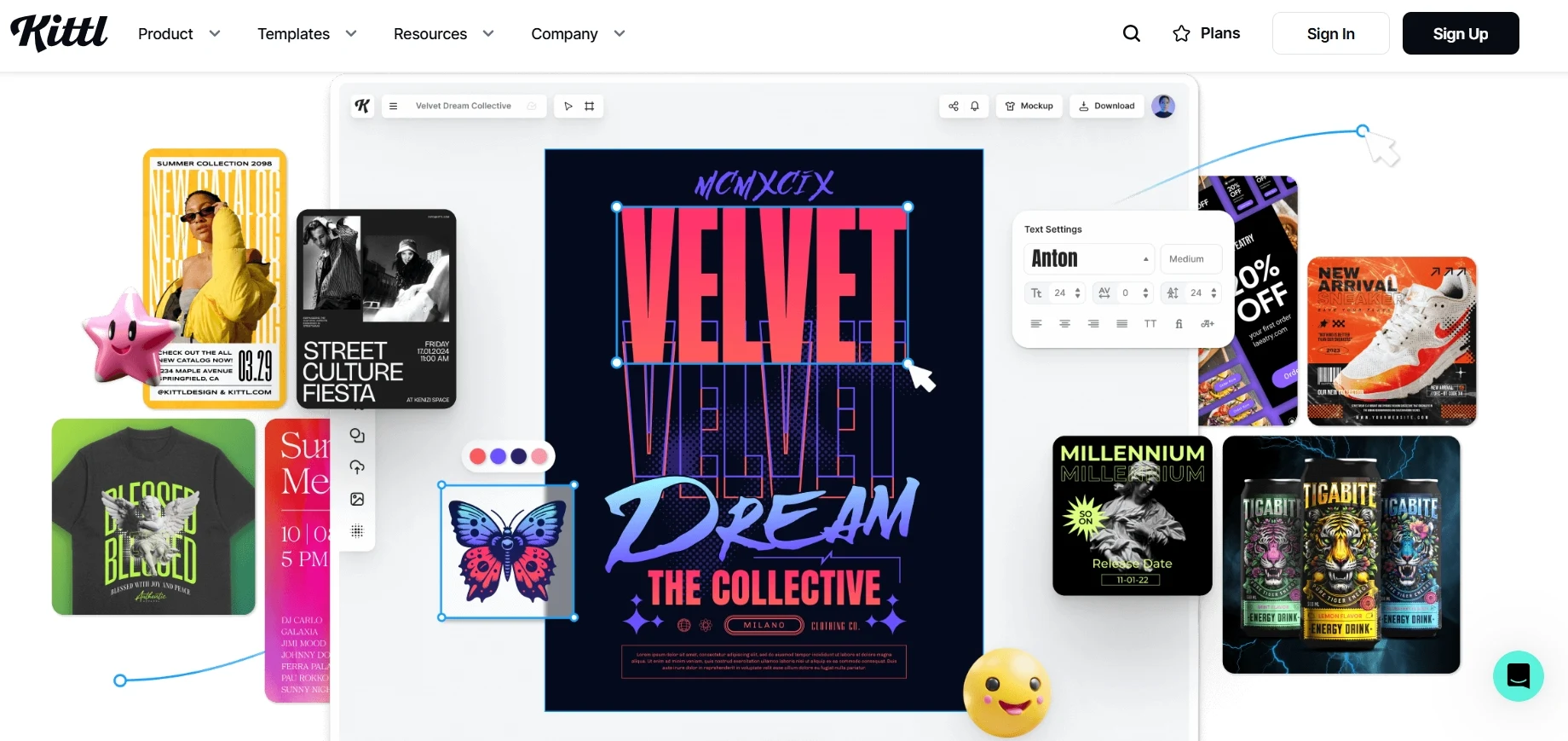
2026 Update: The new “Text-to-Graphic” model now generates isolated clip-art elements with transparent backgrounds automatically, removing the need for external background removers.
Key Features
- AI-to-Vector: Instantly trace your AI-generated raster images into scalable vectors for printing.
- Template Engine: Drag your AI image into thousands of pro-grade “Vintage” or “Streetwear” templates.
- Text Effects: Real-time AI texture blending lets you make your text look like it’s peeling, melting, or embroidered.
- Quote Generator: Stuck on what to write? Kittl AI suggests catchy slogans for your niche.
Limitations
- Export Limits: The free plan allows you to design and generate, but exporting high-res (Vector/PDF) usually requires an upgrade.
- Credit System: AI generations consume credits which replenish slowly on the free tier.
Output Style
Kittl is the king of “Merch Aesthetics”:
- Vintage/Retro mascots and badges.
- Intricate linework and tattoo-style illustrations.
- Composition-heavy posters where text interacts with the image.
Pros
- Ready to Sell: The fastest workflow from “Prompt” to “T-Shirt File.”
- Integrated Workflow: You don’t need Photoshop. Generate, remove background, vectorise, and add text all in one tab.
Cons
- Strictly focuses on graphic design styles; not good for photorealistic deepfakes.
- Free exports are often low-res, making it more of a “try before you buy” for professionals.
Best For
POD Sellers & Merch Creators: If you are selling designs on Etsy, Redbubble, or Amazon Merch, Kittl is your essential toolkit.
Ideogram
Ideogram has solved the biggest headache in AI art: text. Before Ideogram, AI-generated text was a garbled mess. In 2026, this tool is the industry standard for creating images with perfect, legible typography. Whether you need a neon sign, a book cover, or a cinematic poster with a title, Ideogram handles it flawlessly.
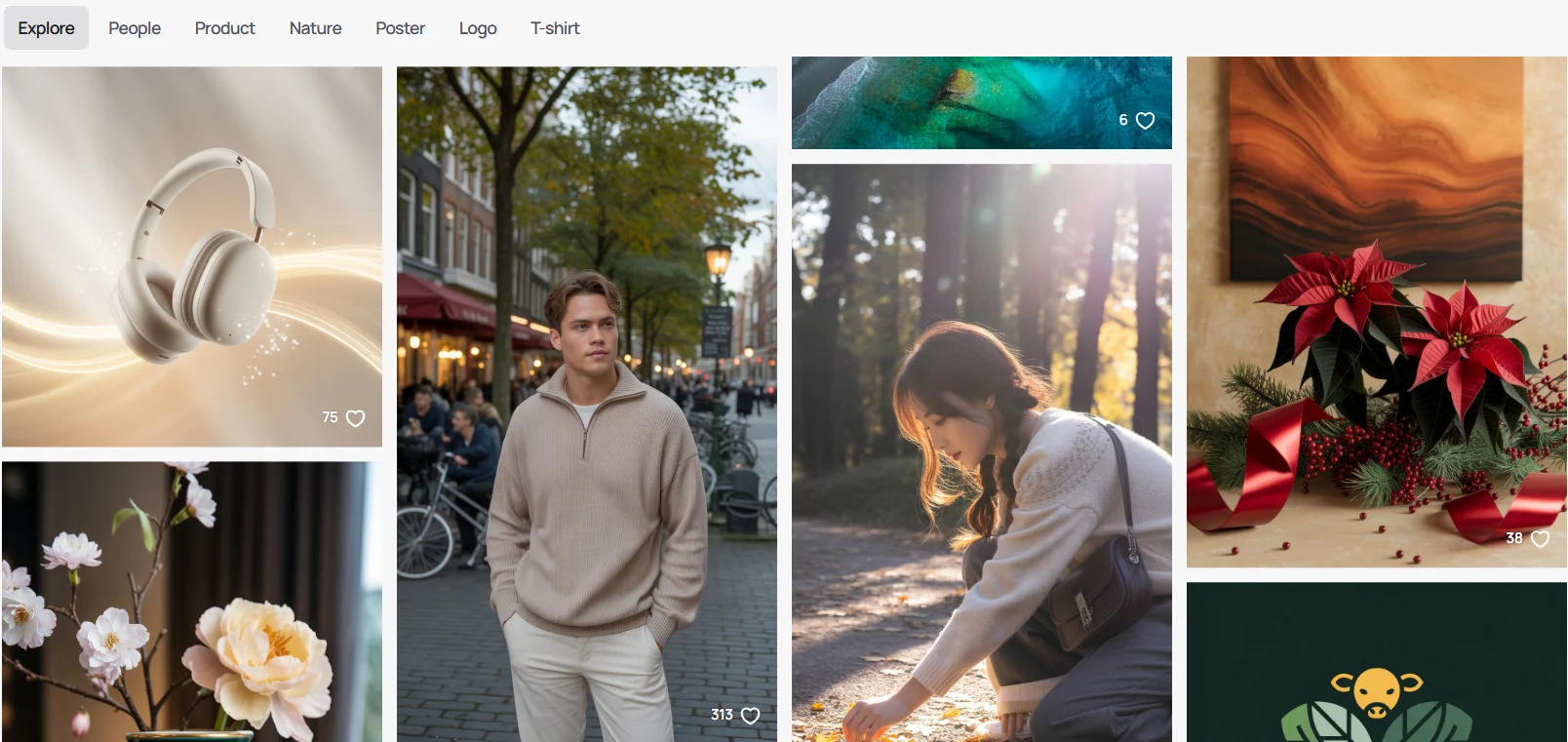
2026 Update: The latest Ideogram v2.5 model delivers photorealism that rivals Midjourney, combined with the ability to render long, complex sentences inside images without errors.
Key Features
- Typography Mastery: The most reliable tool for rendering names, slogans, and logos inside an image.
- Magic Prompt: A built-in “writer” that takes your simple 3-word idea and expands it into a detailed, professional prompt automatically.
- Aspect Ratios: extensive control over image shapes (16:9, 9:16, 1:1, etc.).
- Daily Free Limit: Generous daily quota (approx. 10-20 images/day) for free users.
Limitations
- Public Profile: Like Recraft, all free images are saved to a public profile.
- JPG Only: Free users typically download compressed JPGs (PNG requires an upgrade).
- No Inpainting: It focuses purely on generating new images, not editing existing ones.
Output Style
Ideogram has a distinct, vibrant flavor:
- Typography-heavy designs (Posters, T-shirt graphics).
- Highly aesthetic “Instagram-ready” photography.
- 3D Render style text effects.
Pros
- Best-in-Class Text: No other free tool consistently spells words as correctly as Ideogram.
- User Experience: The interface is beautiful, fast, and the “Remix” feature lets you copy the style of other successful images instantly.
Cons
- Lacks advanced editing tools (like background removal or generative fill) found in Adobe Firefly.
Best For
Social Media Marketers & POD Sellers: Anyone who needs images that communicate a message literally (with text) rather than just visually.
Tensor.Art
Tensor.Art is the ultimate playground for users who want to use specific styles (LoRAs) without installing software. If you’ve ever seen an amazing AI style on Civitai but didn’t have a powerful PC to run it, Tensor.Art is the solution. It hosts thousands of community-trained models—from anime to photorealism—that you can run in your browser for free.
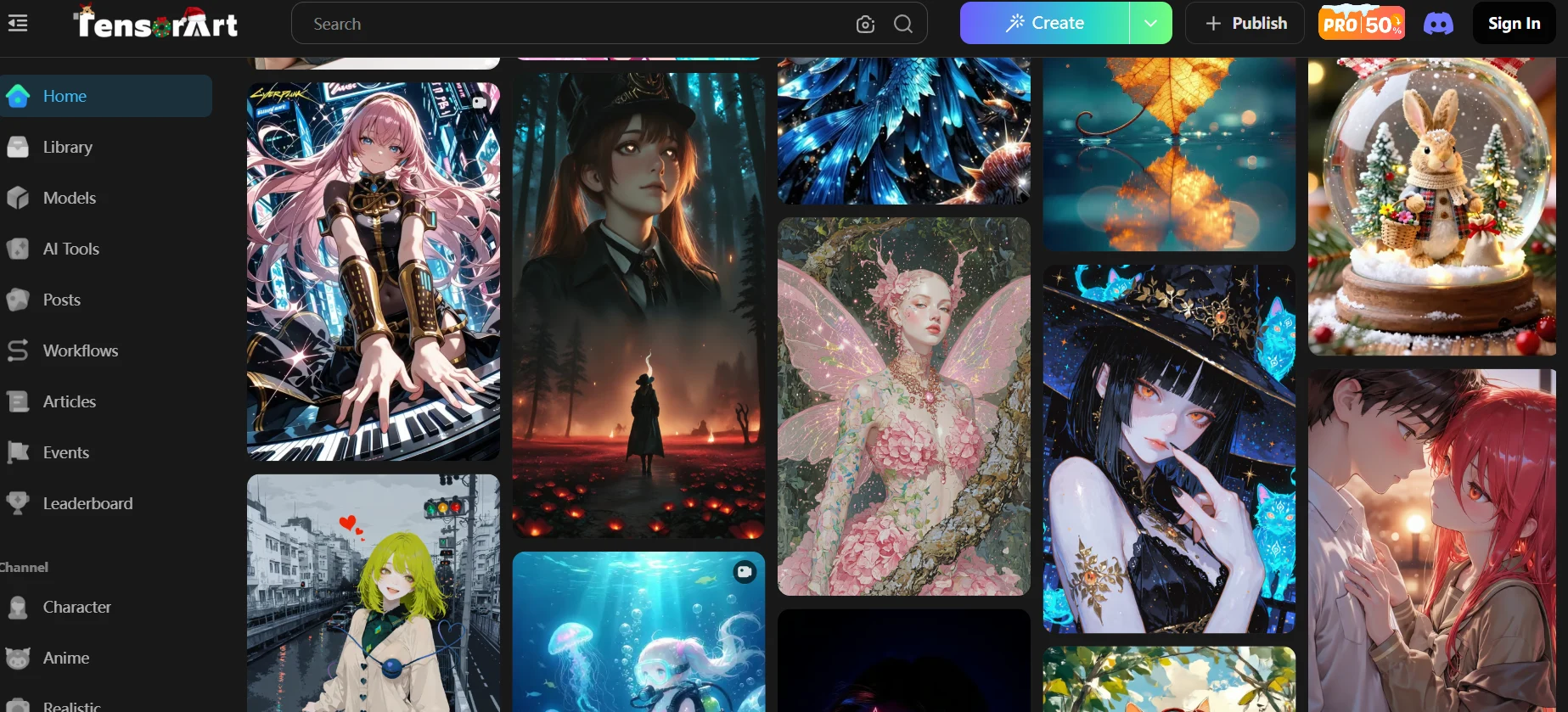
2026 Update: Now fully supports the Flux.1 [dev] model and Pony Diffusion V6, making it the go-to platform for high-end anime and realistic character generation.
Key Features
- Massive Model Library: Access over 30,000+ community models and LoRAs (styles) directly from Civitai.
- Daily Free Credits: Generous 100 daily credits, enough to generate ~100 standard images every single day.
- Pro Features for Free: Includes “Hires. Fix” (upscaling), “ADetailer” (face fixing), and “ControlNet” (pose control) in the free tier.
- Remix: Click “Remix” on any image to instantly copy its exact settings, prompts, and models.
Limitations
- Slower Generation: Free users are in a “Standard Queue,” which can take 30-60 seconds during peak times.
- Complexity: The interface looks like a cockpit. It has many sliders (Steps, CFG, Sampler) that may scare off beginners.
- Ads: The free version is ad-supported.
Output Style
Since it hosts thousands of models, it can do EVERYTHING:
- Anime/Manga: The best tool on this list for anime (using Pony/Niji models).
- Photorealistic Portraits: Using models like Juggernaut XL.
- Specific Styles: Want a “Claymation” or “Paper Cutout” style? Just load that specific LoRA.
Pros
- Best Free Tier for Power Users: You get access to professional tools (ControlNet, LoRA) that other sites charge for.
- Cloud GPU: Runs heavy models like Flux on their servers, saving your computer’s battery.
Cons
- Steep learning curve; you need to understand what a “LoRA” or “Sampler” is to get the best results.
- NSFW content is visible in the community feed (though can be blurred/filtered).
Best For
Anime Fans & Tech-Savvy Creators: Anyone who wants the power of a local Stable Diffusion setup but in a free, cloud-based web app.
Tool Comparison Table (2026 Updated)
Here’s a quick side-by-side comparison of the top 15 free AI image generators available in 2026. Use this table to find the tool that fits your specific workflow—whether you need vectors, photorealism, or perfect text.
| Tool | Login Required | Watermark | Free Usage | Output Quality | Best For |
|---|---|---|---|---|---|
| 1. Image Creator (Microsoft) | ✅ | ⚠️ (Small Logo) | 15 Boosts/Day | 🌟🌟🌟🌟🌟 | DALL·E 3 Access & Ease of Use |
| 2. Craiyon | ❌ | ✅ | Unlimited | 🌟🌟🌟 | No Login / Commercial Use |
| 3. NightCafe | ✅ | ❌ | 5 Credits/Day | 🌟🌟🌟🌟🌟 | Trying multiple models (Flux/SD3) |
| 4. Google Gemini | ✅ | ❌ (Invisible) | Unlimited | 🌟🌟🌟🌟🌟 | Photorealism & Speed |
| 5. Leonardo.Ai | ✅ | ❌ | 150 Tokens/Day | 🌟🌟🌟🌟🌟 | Game Assets & Fine Control |
| 6. Playground | ✅ | ❌ (Public Mode) | 500 Images/Day | 🌟🌟🌟🌟🌟 | Graphic Design & Editing |
| 7. Mage.Space | ❌ | ✅ | Unlimited | 🌟🌟🌟🌟 | Unfiltered / Raw SDXL Models |
| 8. Dream by Wombo | ❌ (Web) | ✅ | Unlimited | 🌟🌟🌟🌟 | Mobile Wallpapers & Social |
| 9. Artbreeder | ✅ | ❌ | Unlimited (CC0) | 🌟🌟🌟 | Character Evolution & Remixing |
| 10. DeepAI | ❌ | ❌ | Unlimited | 🌟🌟🌟 | Developers (API) & Quick Demos |
| 11. Adobe Firefly | ✅ | ✅ (Visible) | 25 Credits/Mo | 🌟🌟🌟🌟🌟 | Copyright Safety & Generative Fill |
| 12. Recraft | ✅ | ❌ (Public Mode) | 50 Credits/Day | 🌟🌟🌟🌟🌟 | Vector Logos & Icons |
| 13. Kittl | ✅ | ❌ (Low Res) | Limited Credits | 🌟🌟🌟🌟 | T-Shirt Design & Posters |
| 14. Ideogram | ✅ | ❌ (Public Mode) | ~20 Images/Day | 🌟🌟🌟🌟🌟 | Perfect Typography & Text |
| 15. Tensor.Art | ✅ | ❌ | 100 Credits/Day | 🌟🌟🌟🌟 | Anime & Running Civitai Models |
Real-World Use Cases (2026 Edition)
In 2026, AI generators aren’t just for making “trippy art.” They have become essential productivity tools for specific industries. Here is how you can actually apply these free tools to your workflow.
1. Brand Identity & Vector Logos
Gone are the days when AI could only make blurry JPEGs. Designers now use AI to create scalable assets that can be printed on a billboard or a business card.
- The Task: Creating minimalist logos, app icons, and website graphics.
- The Challenge: Standard AI images pixelate when resized.
- The Solution: Using Recraft to generate SVG vectors that scale infinitely.
Best Tool: Recraft (for Vectors)
2. Print-on-Demand (T-Shirts & Stickers)
This is the fastest-growing use case. Sellers on Etsy and Amazon Merch use AI to generate thousands of designs without hiring an illustrator.
- The Task: Designing vintage posters, funny slogan t-shirts, and die-cut stickers.
- The Challenge: Most AIs can’t spell text correctly or remove backgrounds.
- The Solution: Using Ideogram for perfect typography and Kittl to layout the text on a shirt.
3. Marketing & Social Content
Social media managers need speed. AI helps create eye-catching thumbnails and ads that stop the scroll.
- The Task: YouTube thumbnails, Instagram carousels, and blog headers.
- The Challenge: Avoiding copyright strikes from using random Google Images.
- The Solution: Using Adobe Firefly or Google Gemini to create safe, stock-photo quality visuals in seconds.
Best Tools: Adobe Firefly (Safe for Ads) & Image Creator
4. Game Assets & Concept Art
Indie game developers use AI to populate their worlds with consistent assets without needing a massive art team.
- The Task: Generating RPG character portraits, isometric items (potions, swords), and environmental textures.
- The Challenge: Keeping the art style consistent across 100+ items.
- The Solution: Using Leonardo.Ai or Tensor.Art (with LoRA models) to train a specific style and replicate it endlessly.
Best Tools: Leonardo.Ai & Tensor.Art
Whether you are printing t-shirts or building a brand, there is now a specialized free AI tool for your exact need.
Image Showcase
Seeing is believing. Here are some real outputs generated by the AI tools featured in this article. These examples illustrate the unique strengths and styles of each platform.
1. Prompt-to-Image Comparison
Prompt: “A futuristic city skyline at sunset with flying cars”
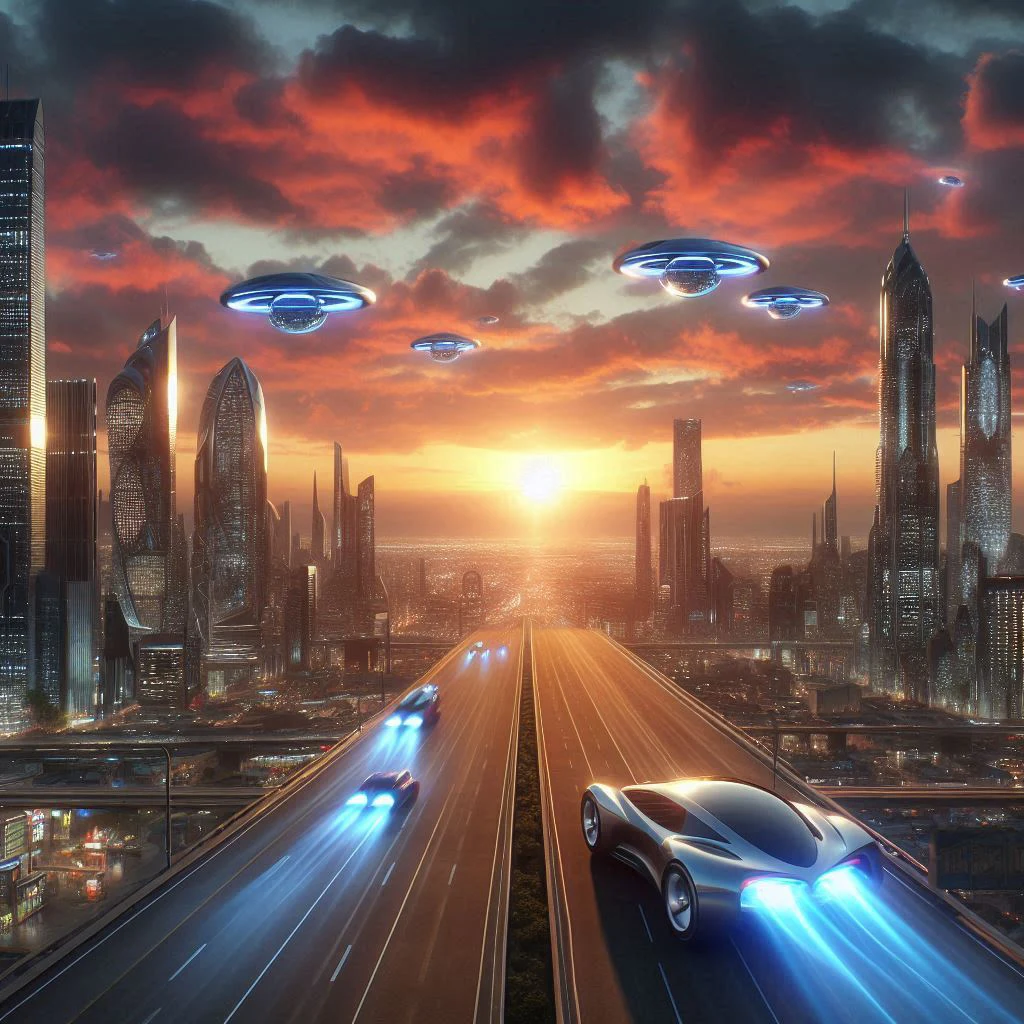
DALL·E 3 Output

Leonardo.Ai Output
2. Before vs. After Enhancement
Using Hotpot AI’s enhancement tool:

Before

After (AI Upscaled)
3. Stylization Examples
Prompt: “A cat wearing sunglasses on a beach”
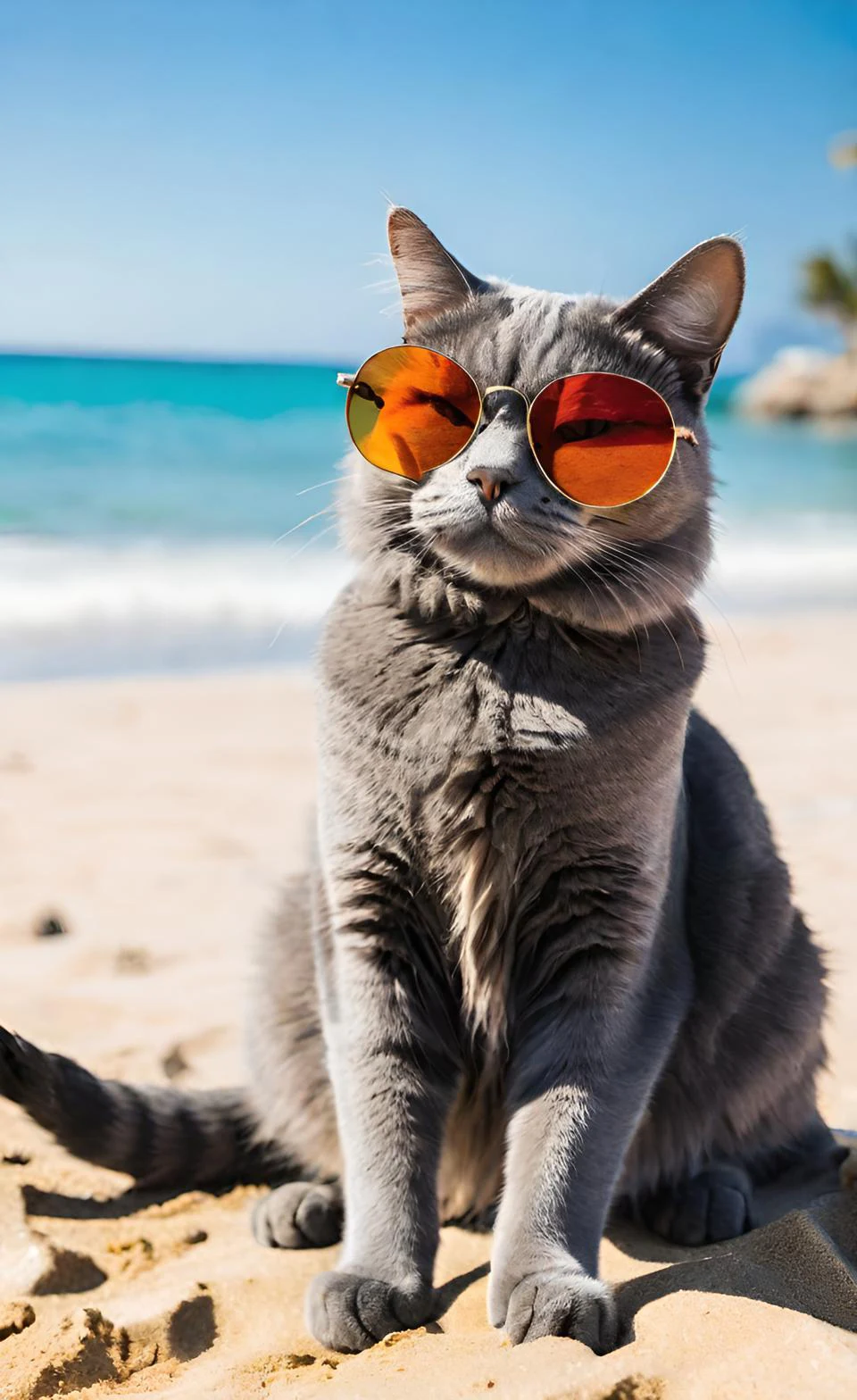
Dream by Wombo
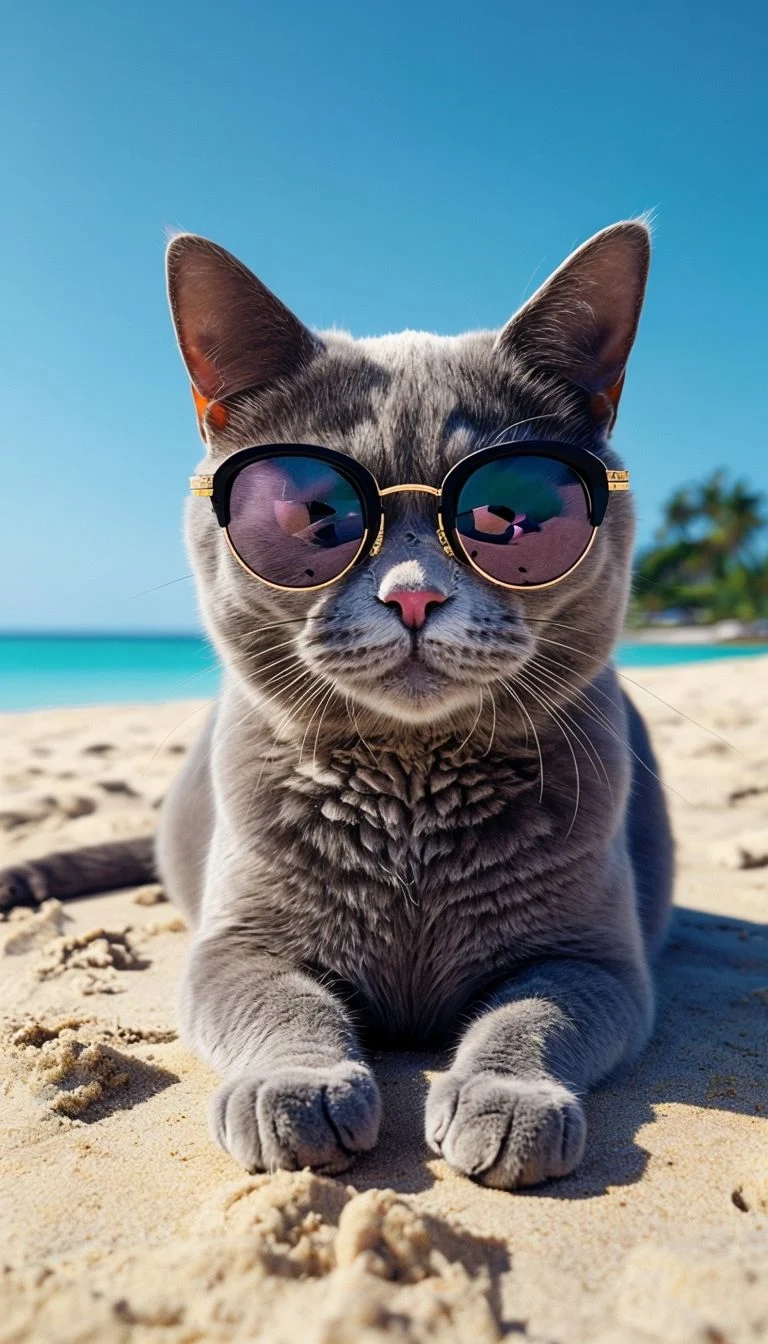
Playground AI
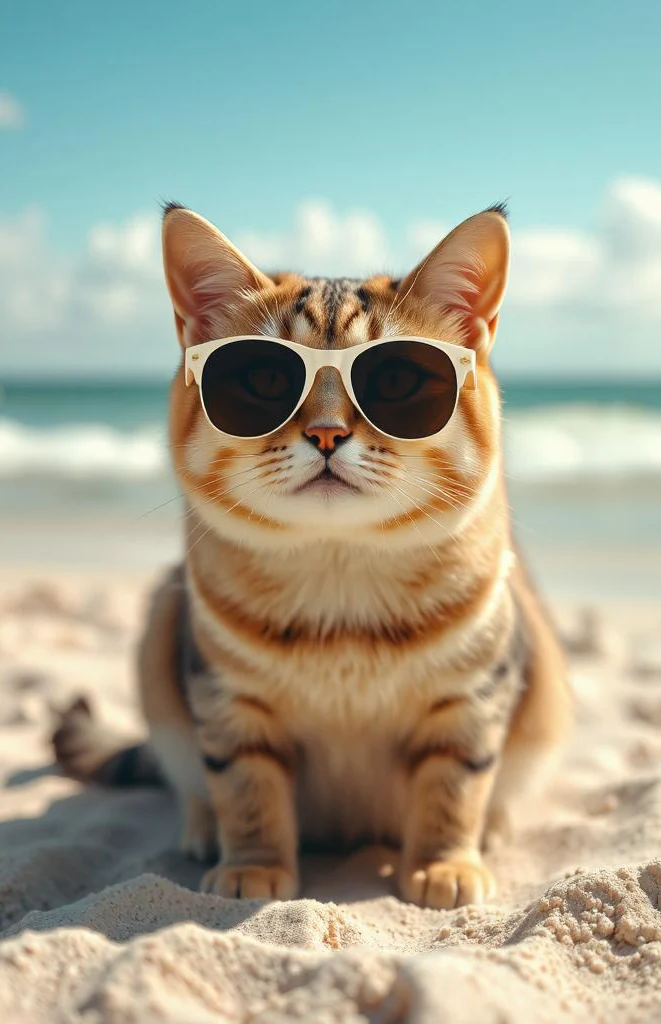
Fotor AI
These visual samples show just how creative, diverse, and accessible AI image generators have become—even in their free versions.
FAQs
Are AI image generators really free to use?
Yes, but the “free” models vary in 2026. Tools like Craiyon, Mage.Space, and DeepAI allow you to generate without even logging in. Others like Google Gemini, Recraft, and NightCafe require an account but offer generous daily quotas or unlimited access to specific models.
Can I use these AI-generated images commercially?
Be careful. In 2026, many big platforms (like Microsoft Designer and Google Gemini) restrict free users to “Personal Use Only.” However, tools like Craiyon allow commercial use if you attribute them. Artbreeder images are Public Domain (CC0). Always check the latest Terms of Service before using a free image for a client or product.
Do free tools leave a watermark on the images?
It’s a mix. Adobe Firefly and Image Creator now often apply visible watermarks or credentials. However, tools like Recraft, Playground, and Gemini typically generate clean, watermark-free images—though Recraft and Playground make your images public in exchange for this benefit.
Do I need to sign up to use these tools?
Not for all of them. If you want instant access without an email, use Craiyon, Mage.Space, or DeepAI. For more advanced features (like saving history or using professional models like Flux), you will need to create an account on platforms like Tensor.Art or Leonardo.Ai.
Which AI image generator is best for photorealism?
For 2026, Google Gemini (Imagen 3) and Mage.Space (Flux model) are the top contenders for photorealism. They produce skin textures and lighting that are nearly indistinguishable from real photography. Leonardo.Ai is also excellent for cinematic, highly detailed portraits.
Which tool is best for text and logos?
If you need legible text (spelling) inside your image, Ideogram and Recraft are the industry leaders. Unlike older models that produced gibberish, these tools can accurately render slogans, names, and logos onto t-shirts, neon signs, or posters.
Can I generate images from existing photos?
Yes. Adobe Firefly has a powerful “Structure Reference” feature that mimics the layout of your uploaded photo. Playground and Tensor.Art also offer advanced “Image-to-Image” and “Inpainting” tools to edit or restyle your existing pictures.
Are these tools safe and private?
Privacy is the “hidden cost” of free tools in 2026. Platforms like Recraft, Playground, and Tensor.Art default to “Public Mode” for free users, meaning anyone can see your creations. If you need confidentiality (e.g., for unreleased products), you usually need to upgrade to a paid “Private Mode” or use enterprise-grade tools like Adobe Firefly.