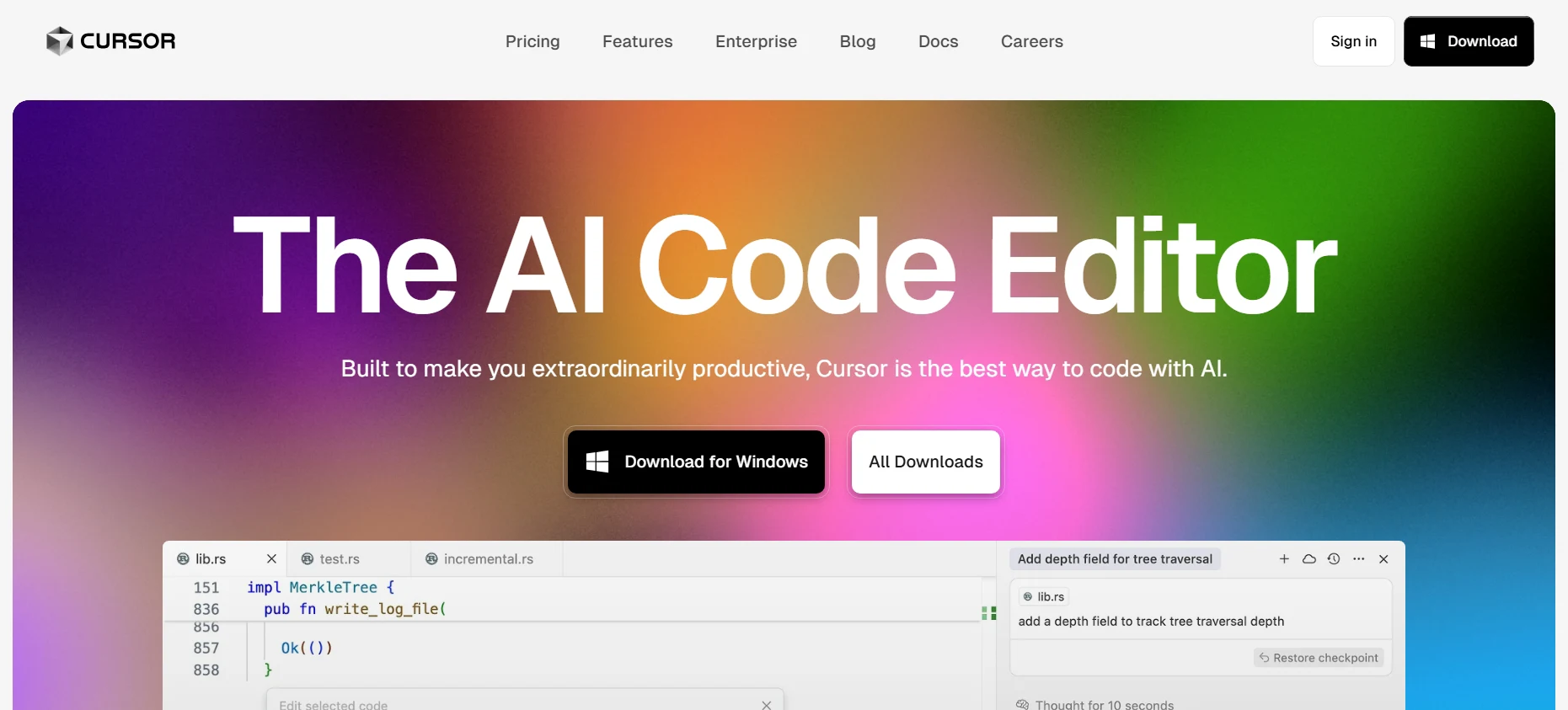
Cursor AI Review (2026): The “AI-Native” IDE That Makes Copilot Obsolete
Why developers are abandoning standard VS Code plugins for an integrated environment where the AI predicts your next move, refactors entire codebases, and writes code alongside you.
If you are still using GitHub Copilot as a simple extension in 2026, you are coding with one hand tied behind your back. The era of “AI as a plugin” is officially over. Enter Cursor, the tool that redefined what an AI code editor should be.
In our extensive testing for the 2026 AI IDE Showdown, Cursor emerged not just as a productivity booster, but as a fundamental shift in the developer workflow. Unlike traditional autocomplete tools that only see the line you are typing, Cursor is an AI-Native IDE. It indexes your entire local codebase, understands your project architecture, and can refactor code across multiple files simultaneously.
But with new competitors like Windsurf entering the arena and GitHub Copilot frantically adding “Workspace” features to catch up, is Cursor still the undisputed king of code? In this deep-dive review, we break down its “Tab” prediction engine, the powerful “Composer” agent, and whether the $20/month Pro plan is worth the investment for developers in 2026.
What is Cursor? (And Why “AI-Native” Matters)
Cursor is not just another extension you install from the marketplace. It is a fork of VS Code. This means it looks, feels, and acts exactly like the VS Code you are used to, but with one critical difference: the AI is baked into the engine, not just taped to the sidebar.
💡 The 2026 Reality Check
In 2024-2025, we used “Chat” in a sidebar to ask AI for help. In 2026, AI-Native editors like Cursor proactively change the code for you. The difference is moving from “AI as a Consultant” to “AI as a Pair Programmer.”
Key Difference: Why Plugins Failed
Standard plugins (like the legacy GitHub Copilot extension) suffer from a “context disconnect.” They can’t see what’s happening in your terminal, they struggle to read files deep in your directory, and they can’t effectively “diff” changes without breaking syntax. Because Cursor controls the entire IDE environment, it has:
- Full Local Context It instantly indexes your local repo, enabling “Codebase RAG” that answers questions based on your specific architecture.
-
Native Diff View
When AI suggests code, you don’t copy-paste. You see a clean green/red diff and just hit
Cmd+Kto accept.
Is Migration Difficult?
This is the biggest fear for developers, but Cursor solved it brilliantly. Since it is a fork of VS Code, it supports:
- ✅ One-Click Import: Upon installation, it grabs all your VS Code extensions, themes, and keybindings.
- ✅ VS Code Marketplace: It works with the entire ecosystem of existing plugins.
- ✅ Zero Learning Curve: If you know VS Code, you already know Cursor.
Looking for a broader comparison? Check out our 2026 IDE Showdown: Windsurf vs. Cursor vs. Copilot.
The “Tab” Key: Why Autocomplete is Dead
In standard editors, AI helps you write new code. In Cursor, the “Tab” feature (formerly Copilot++) helps you edit existing code. This distinction is subtle but profound.
Cursor uses a custom model trained specifically to predict diffs (changes) rather than just raw text. It runs a “Shadow Workspace” in the background, constantly analyzing your file history and recent changes to predict your next move.
| Standard AI (Copilot) | Cursor “Tab” |
|---|---|
| Completes the current line only. | Predicts multiple lines and future edits. |
| Requires you to type the start of a variable. | Jumps your cursor to the next logical location. |
| Struggles with mid-line edits. | Understands diffs; can change a variable name across a block instantly. |
Composer: The Multi-File Agent (Cmd+I)
This is the feature that justifies the switch from VS Code. Composer is an “Agent Mode” that allows you to refactor code across multiple files simultaneously using natural language.
How It Works in 2026
Imagine you need to change a button color on your website. This usually involves:
- Finding the CSS variable in
global.css. - Updating the Tailwind config in
tailwind.config.js. - Checking the React component in
Button.tsx.
With Composer, you simply hit Cmd+I (or Ctrl+I) and type: “Change the primary button color to a neon purple gradient and update all references.”
> Cursor Composer:
Analyzing codebase…
Creating src/pages/pricing.tsx…
Updating src/components/navbar.tsx…
Done. 2 Files Created, 1 Modified. [Accept All]
Why “Apply” is Better Than Copy-Paste
Standard AI chat windows give you a code block that you have to copy and paste. Composer applies the code directly to your files in a “Diff View.”
-
GreenLines the AI wants to add.
-
RedLines the AI wants to remove.
You review the logic, hit “Accept,” and the files are updated on your disk. It feels like reviewing a Pull Request from a super-fast junior developer.
Context Mastery: How It “Reads” Your Entire Project
The number one complaint about AI coding tools in 2024 was hallucinations—inventing functions that didn’t exist. Cursor solves this with local RAG (Retrieval-Augmented Generation).
When you open a project, Cursor scans and indexes every file locally. It creates a “map” of your code’s logic. This means you can ask high-level questions like “Where is the authentication logic handled?” and get a precise answer, even if you don’t have the auth file open.
The Power of Symbols (@)
Cursor introduces a simple yet powerful UI for managing context. By typing @ in the chat, you can explicitly reference sources:
@Codebase
Searches your entire project repository to find relevant snippets before answering. Crucial for large refactors.
@Docs
Paste a URL (e.g., Stripe API docs), and Cursor will index it instantly. No more copying documentation into the chat.
🔒 Privacy Note (Enterprise Safe)
For those worried about IP leakage: Cursor offers a “Privacy Mode” where your code is never stored on their servers. The indexing happens locally on your machine, and only the relevant snippets are sent to the LLM (like Claude or GPT-4) for processing.
Comparison: Cursor vs. Copilot vs. Windsurf
In 2026, the battle for the best AI code editor is a three-way race. While GitHub Copilot has massive adoption, Cursor and Windsurf (by Codeium) are pushing the boundaries of what’s possible.
| Feature | Cursor (Winner) | GitHub Copilot | Windsurf (Codeium) |
|---|---|---|---|
| Core Model | Claude 3.5 Sonnet / GPT-4o | GPT-4o Only | Codeium Flow / Claude |
| Prediction (Tab) | ✅ Advanced (Diff Prediction) | ⚠️ Basic Autocomplete | ✅ Cascade Flow |
| Multi-File Agent | ✅ Composer (Best in Class) | ⚠️ Workspace (Slow) | ✅ Cascade |
| Setup | Fork (Migration Needed) | Extension (Easy) | Fork (Migration Needed) |
💡 The Verdict
If you want the most “Agentic” experience where the AI writes 50% of your code, Cursor is the clear winner. Copilot feels outdated in comparison, serving mostly as a fancy spellchecker.
Read the full 2026 Showdown Analysis →Pricing: Is the Pro Plan Worth $20?
In 2026, the standard “AI Tax” for developers is $20/month. Cursor follows this industry standard perfectly. However, they recently introduced a Pro+ tier ($60/mo) for heavy users who burn through limits. For most developers, the standard Pro plan remains the sweet spot.
Hobby
Generous enough for students & testing.
- ✅ 2 Weeks Pro Trial (New accts)
- ✅ 2,000 Completions (Tab)
- ✅ 50 Slow Premium Requests
- ❌ No Fast Premium Models
Pro
For professional daily coding.
- ✅ Unlimited Completions (Tab)
- ✅ 500 Fast Premium Requests
- ✅ Unlimited Slow Requests
- ✅ 10 Opus/o1 Uses per day
Business
Strict privacy & admin controls.
- ✅ Zero Data Retention (Enforced)
- ✅ Centralized Billing Dashboard
- ✅ SSO (Single Sign-On)
- ✅ Priority Support
💎 The “Slow Request” Secret
Many users don’t realize that “Unlimited Slow Requests” on the Pro plan is actually very usable. If you exhaust your 500 fast requests, you can still use Claude 3.5 Sonnet unlimitedly. It just enters a queue, which in 2026 is often only a 2-5 second delay.
⚠️ Crucial Warning: The “API Key” Trap
Do NOT enter your own OpenAI/Anthropic API Key if you want to use the “Tab” feature.
Cursor disables the “Tab” predictive engine when you use a custom key because it relies on a proprietary shadow model that cannot be billed to your API provider. You will see a “Requires pro (custom model)” error. To use Tab, you must use Cursor’s native subscription.
Budget Tight?
If the $20/month Pro plan is out of reach, you still have options. Cursor isn’t the only game in town.
Check out our list of the 10+ Best Free AI Coding Tools in 2026 →Frequently Asked Questions
Is Cursor safe for work (Enterprise)?
Yes. Cursor offers a “Local Mode” where no code leaves your machine. For the Business plan ($40/user), they enforce a Zero Data Retention policy, meaning your code snippets are not stored or trained on by OpenAI or Anthropic.
Can I use my existing VS Code extensions?
Absolutely. Since Cursor is a fork of VS Code, it supports the entire Visual Studio Marketplace. When you first install it, it even offers a one-click import button to transfer all your themes, keybindings, and plugins.
Does Cursor use GPT-4 or Claude?
It uses both. Cursor is model-agnostic. You can toggle between Claude 3.5 Sonnet (currently the best for coding), GPT-4o, and even o1-preview directly from the chat interface. You are not locked into one provider.
Is it worth switching from GitHub Copilot?
If you want an AI that edits code across files and predicts your next move, yes. If you prefer the AI to be a passive sidebar assistant, Copilot is fine. However, most power users in 2026 find Cursor’s “Composer” feature to be significantly more productive.
Final Verdict: The New King of IDEs
In 2026, using VS Code without Cursor feels like using a typewriter. The “Tab” prediction and “Composer” agent are not just features—they are a new way of writing software.
AIWisePicks Editor’s Choice
Available for Mac, Windows, and Linux.
📚 Read Next on AIWisePicks
The 2026 AI IDE Showdown: Windsurf vs. Cursor vs. Copilot
See how Cursor stacks up against the newest competitors.
Best AI Tools for Small Business (2026 Edition)
Beyond coding: Automate your marketing and sales workflows.
Explore All AI Developer Tools
Browse our full list of verified coding assistants.